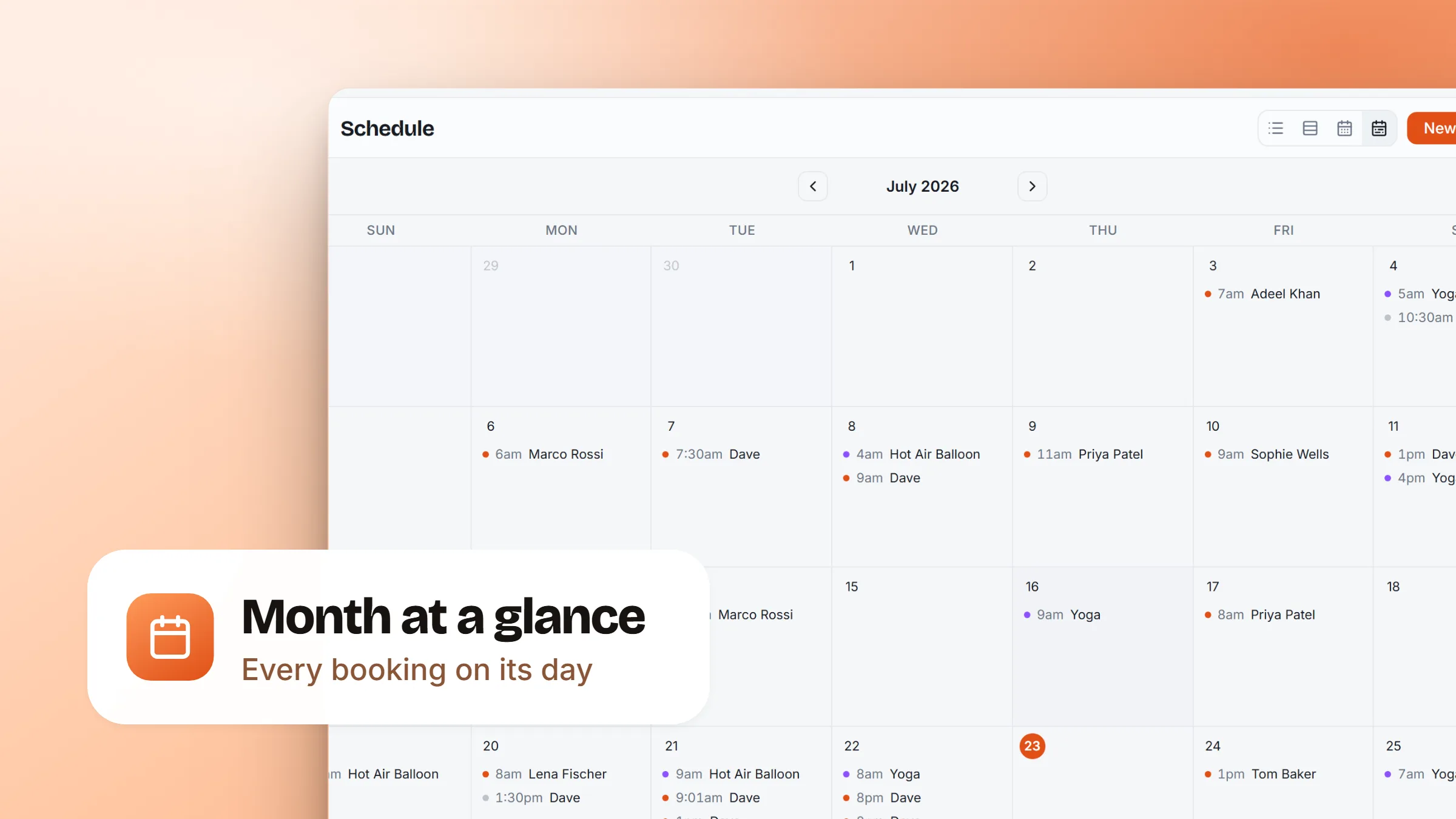
However you take bookings, they belong on one schedule. We rebuilt the schedule around a clearer set of views, added a month calendar, and made sure every kind of work shows up, laid out the way that suits it.
- A month at a glance. A new month view lays the whole month out like a calendar, with every booking on its day, so you can see how busy you are and jump straight to any day.
- Every booking type, on the right view. Work that travels sits on the map, appointments and timed jobs on the day grid, and classes on the calendar. Whatever you offer now has a home on the schedule.
- Classes shown as classes. A class appears once, as the session, with how many seats are booked, instead of a pile of separate entries. Move it to a new time or a different instructor and everyone booked moves with it.
- A cleaner switcher. We trimmed the clutter down to a clear set of views, and you can hide the map any time you just want the timeline.