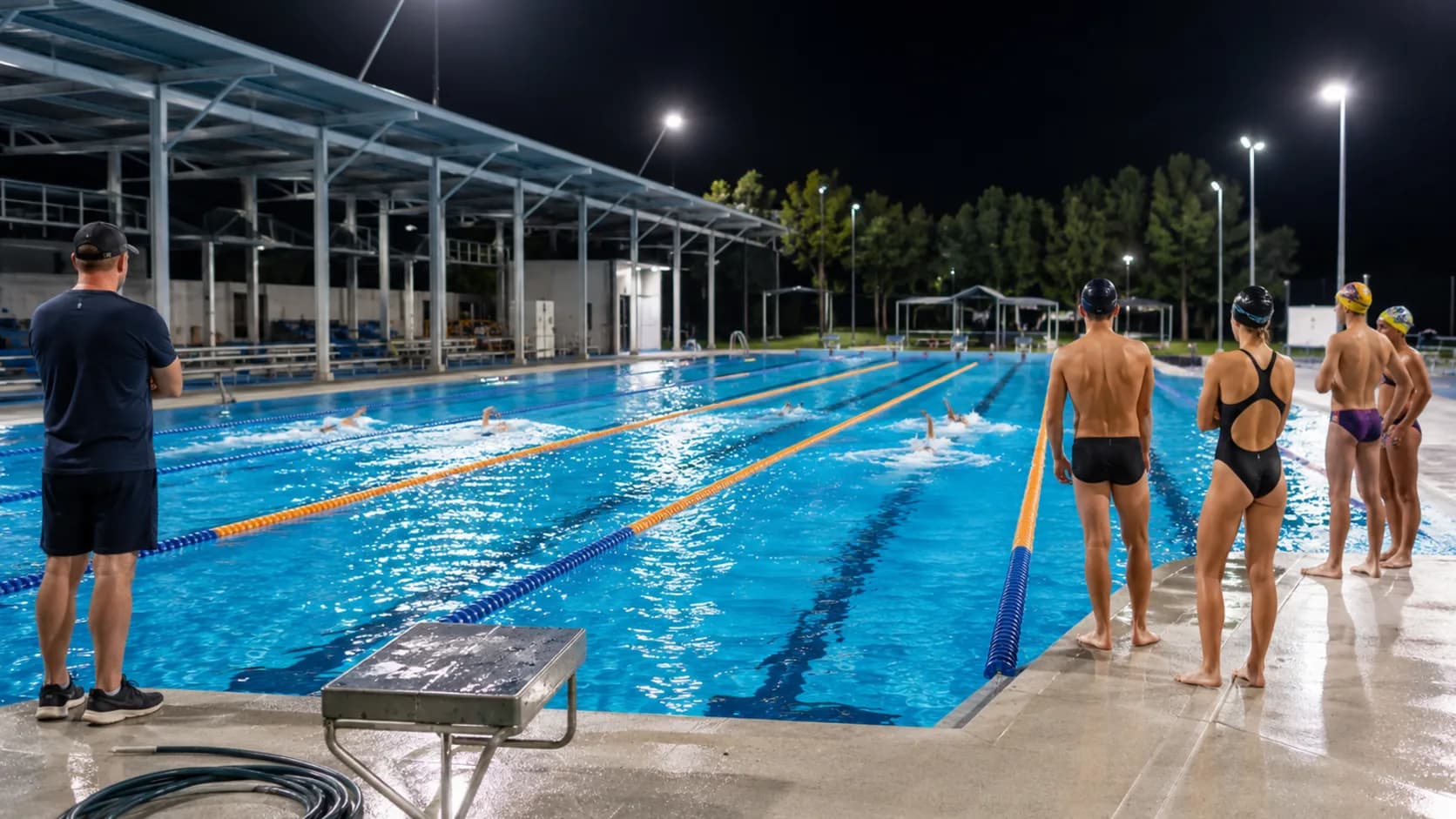
Swimming lane booking software for Australia.
Put casual lane hire, squads and coaching on one pool diary, with every booked lane removed before another swimmer can take it.
 Start with Google
- Live lane availability
- Squad blocks stay intact
- Coaches share the pool diary
- Card checkout comes with Pro
- Closures remain visible
Online booking
Bookings that match lane hire
List the lane sessions you really sell. Customers book an open time themselves and that lane drops off the public page straight away.
Learn moreOne live timetable
Keep lanes, staff and groups together
Keep casual lap-lane hire, learn-to-swim lessons and closures on one lane diary the person on duty can read without a second system.
Learn moreA lane is shared, until it isn’t.
Public lap swimming puts several people in one lane at once. A squad takes the same lane whole. The pool sells both, and they cannot collide.
Shared, sold by the head
A lane session has a real number of places in it, and booking stops when that number is gone rather than when the deck looks busy.
Exclusive, sold whole
A squad or a school takes the lane outright, and it disappears from public availability for exactly as long as they have it.
Lessons take an instructor too
A learn-to-swim session books the teaching lane and the instructor together, so neither can be promised to anybody else.
Built for your pool
Built for every kind of lane hire
Casual lap-lane hire
A swimmer books a lane session from the live pool timetable and that lane comes off the public page immediately.
Standing squad blocks
Repeat the same group of lanes through the training term and set the final date before the series begins.
Learn-to-swim lessons
Keep instructors, teaching lanes and session times together so lessons never overlap with public hire.
School swimming
Hold the required lanes and changeover time while unaffected parts of the pool remain available.
Masters club training
Protect a weekly evening block for the club without rebuilding the same lane plan every Tuesday.
Carnivals and time trials
Send an itemised quote for pool time and agreed extras before committing a longer facility block.
Heat and storm changes
Move an affected outdoor session to the replacement time while its organiser and payment record stay attached.
Lane-rope maintenance
Close only the water space being serviced while every unaffected lane keeps showing online.
A full lane diary you can still read.
See casual sessions, regular groups and coaching together, with the booked lane obvious to whoever has the keys that day.
The term, before it starts.
Every squad, lesson and public session across the whole term in one view, so a clash is visible in August rather than in October.
When the popular hours are gone.
Sold time stays sold. Close maintenance properly and give flexible customers a coupon for the quieter lane sessions.
No accidental overlap
A confirmed booking removes the exact lane and time before another customer can take it.
Heat and storm changes
Move an affected outdoor session to the replacement time while its organiser and payment record stay attached.
Lane-rope maintenance
Close only the water space being serviced while every unaffected lane keeps showing online.
Payment status beside the booking.
Keep offline payments visible on Free, or use Pro for complete card payment online and staged amounts added after the booking.
Full card payment online
On Pro, customers can pay the complete amount by card as they finish the online booking.
Cash and bank transfer
On Free, mark cash or bank transfer yourself so the duty staff can see what has landed.
Longer jobs start with a quote
Send an itemised quote to the organiser and keep later payment entries beside the accepted booking details.
- Marco FerraroP-1011 · 25 Jun · Bank transfer$380
- Renee SalterP-1012 · 25 Jun · Cash$240
- Anna WhitfieldP-1013 · 28 Jun · Card$380
- Danny PrasadP-1001 · 27 Jun · Card$190
One app for every booking
Everything you need to run your lane hire business.
Capacity that holds
A lane taken whole leaves the page at once, and a shared session stops selling places the moment the lane is genuinely full.
Email reminders
Automatic confirmation and reminder emails carry the lane, date and session details, giving customers a useful record before they set off.
Starts free. Grows
only when you do.
Add your whole team and get booking for nothing.
As you grow with us you can go Pro.
Common questions.
Yes. Customers see genuinely open lanes, choose a session and book it themselves. That exact lane then comes off the public page.
Yes. Repeat the booking weekly or monthly on Free, then finish on the season date, after set sessions or not at all.
Yes. Pro can take the complete card amount at online checkout. On Free, record cash or bank transfer yourself beside the booking.
Yes. Move it to the replacement lane or time and the customer, payment position and booking history remain attached.
Yes. Close only the affected lane and time, leaving every usable part of the venue open for ordinary bookings.
Yes. Itemise the block and agreed extras in a quote, send it to the organiser and keep the accepted version with the customer.