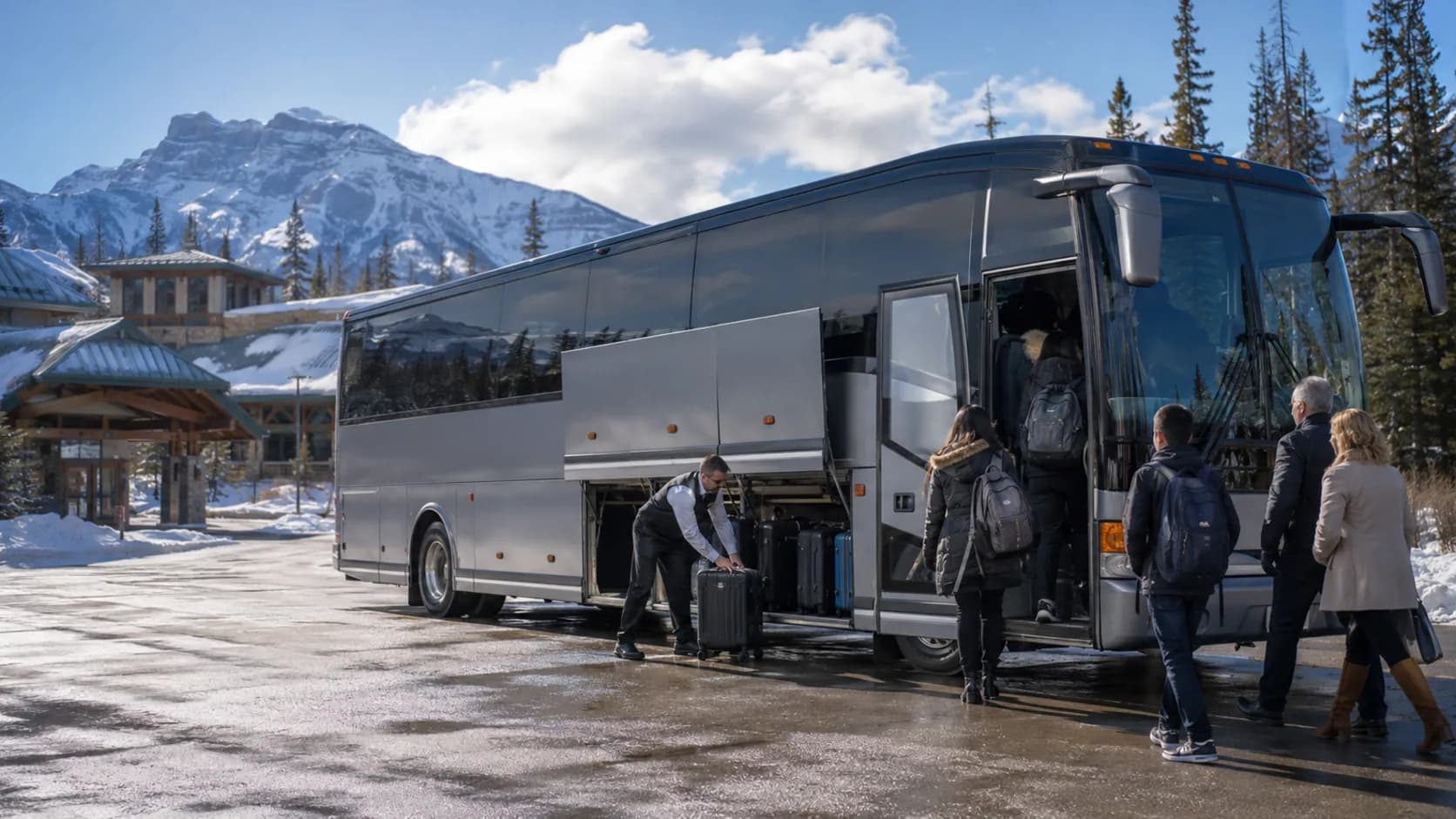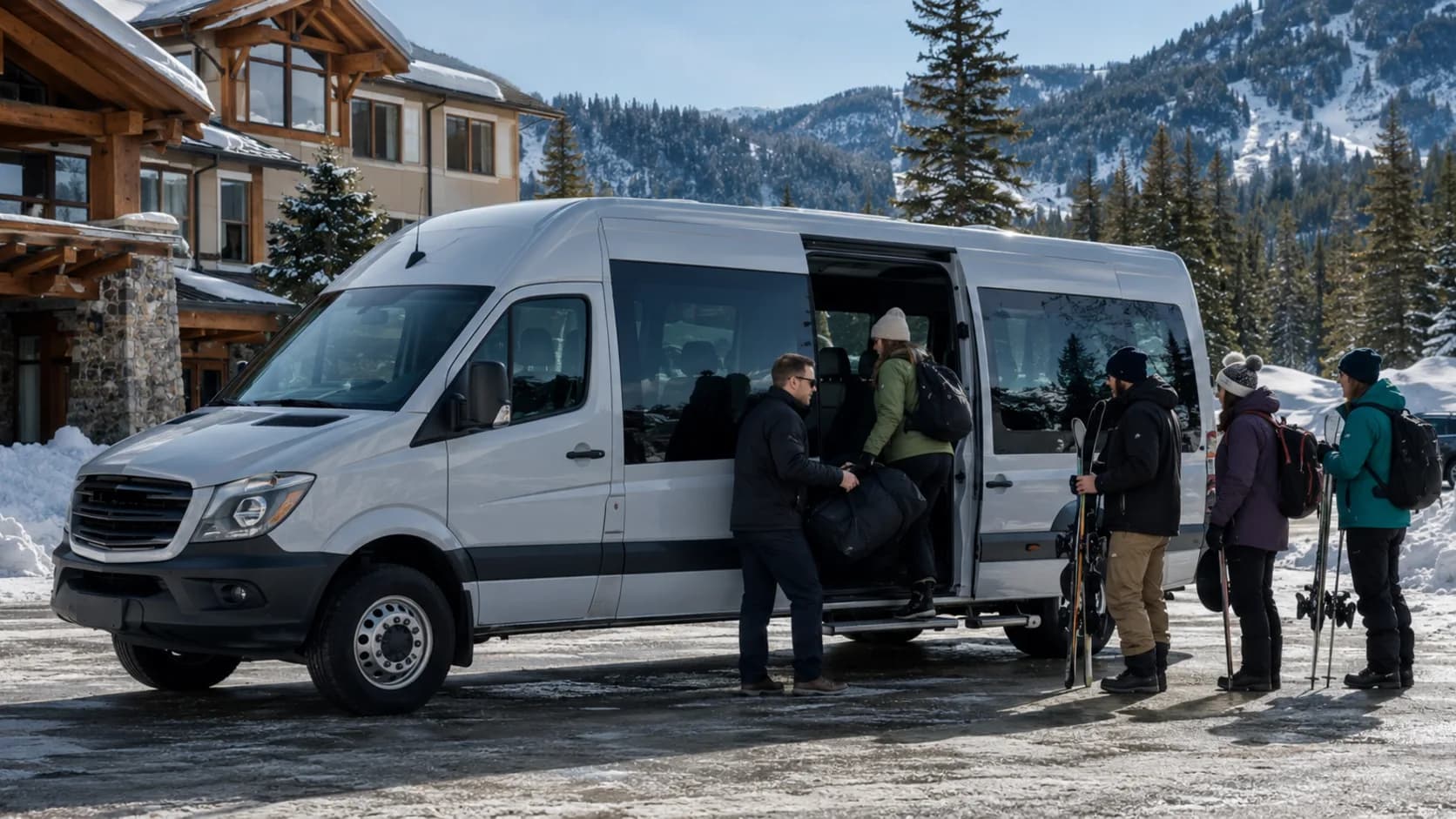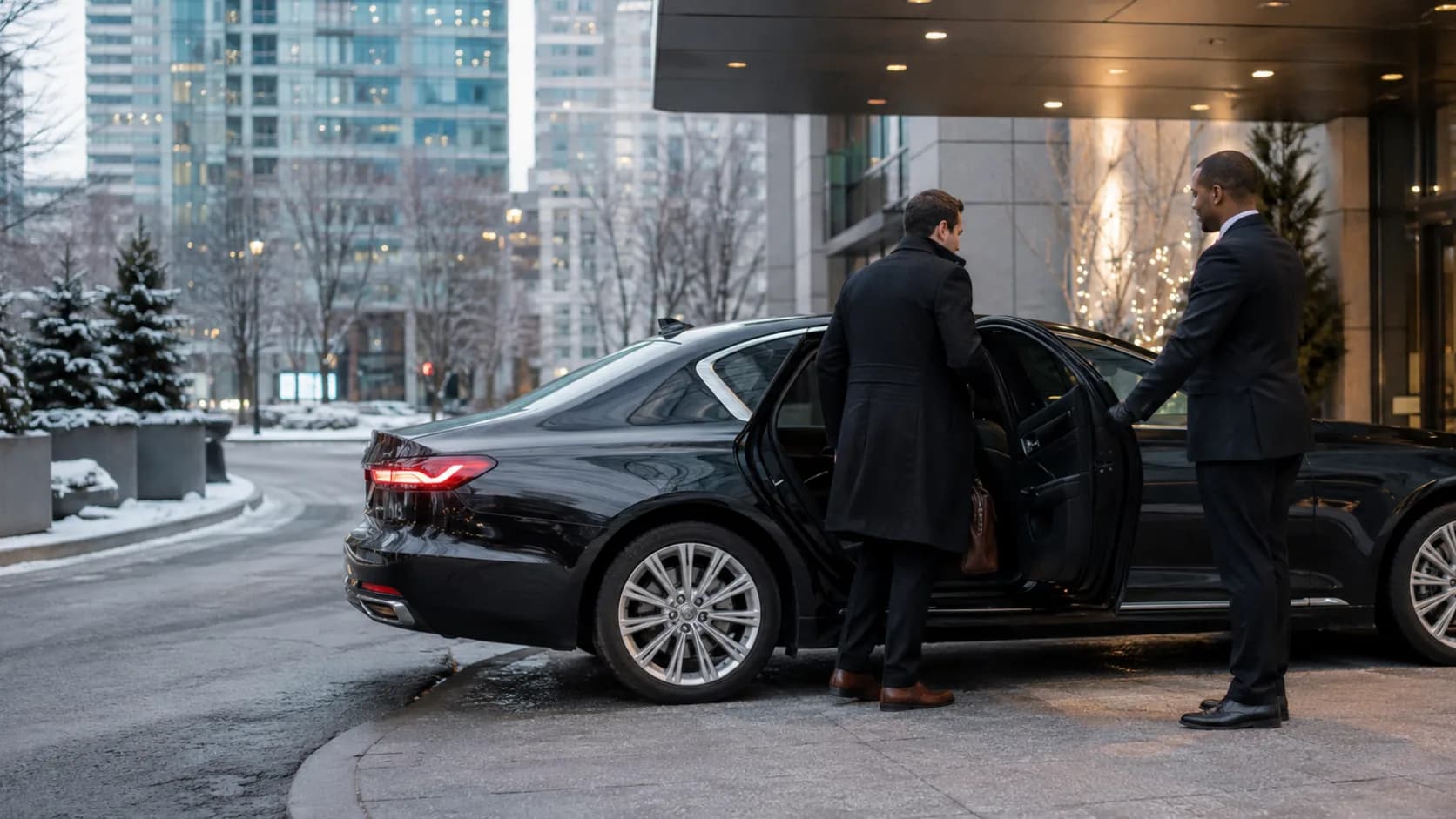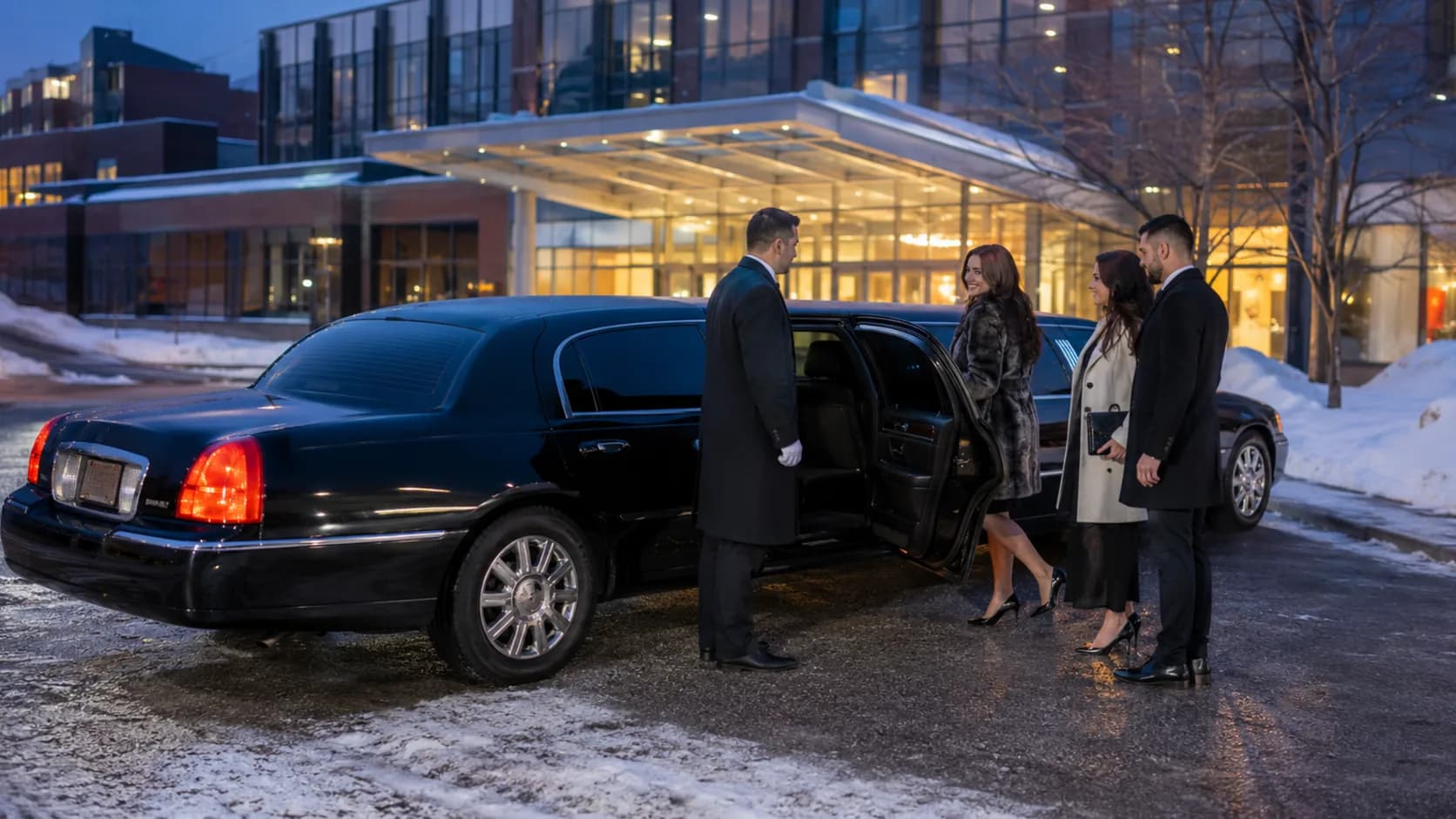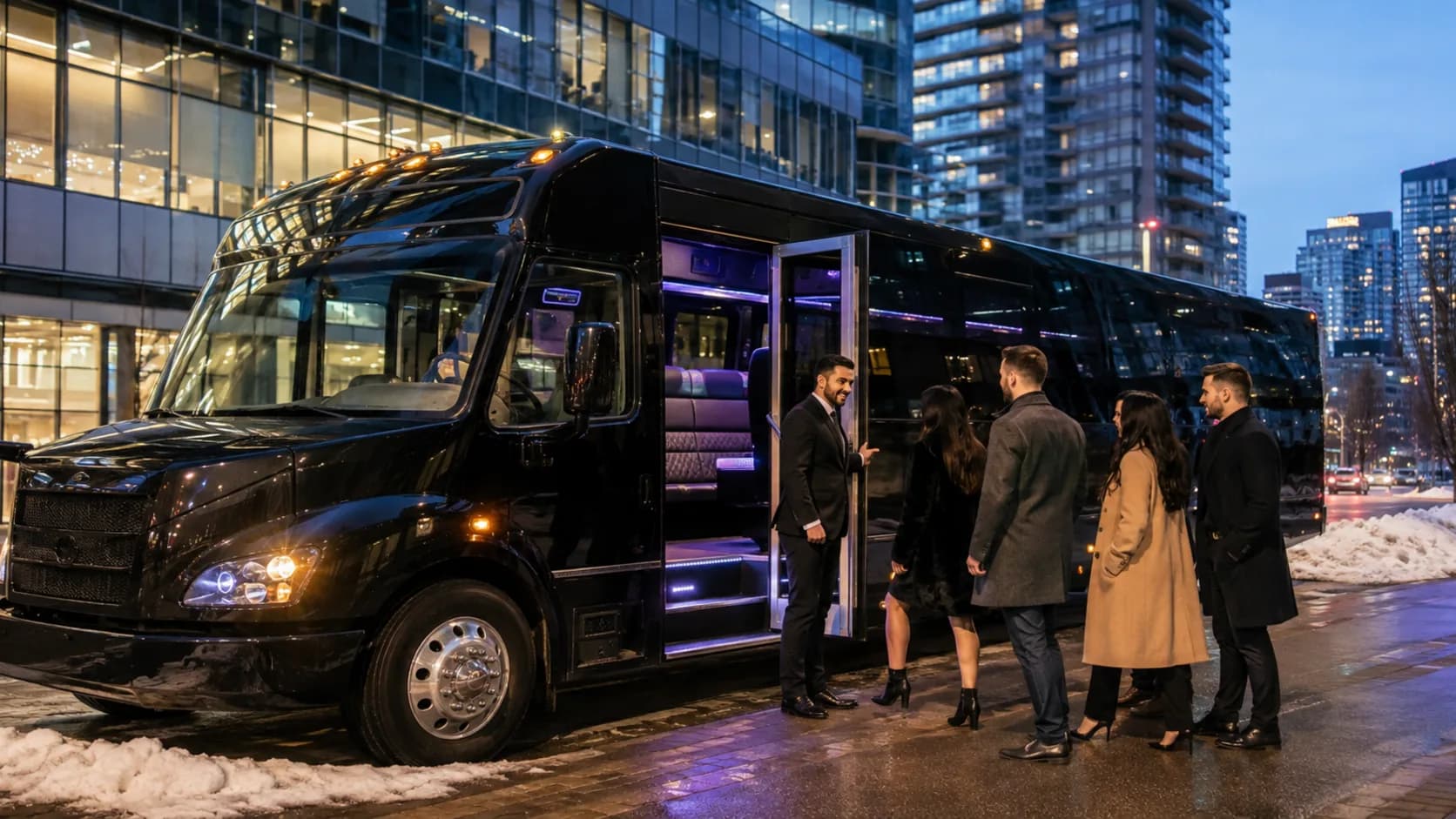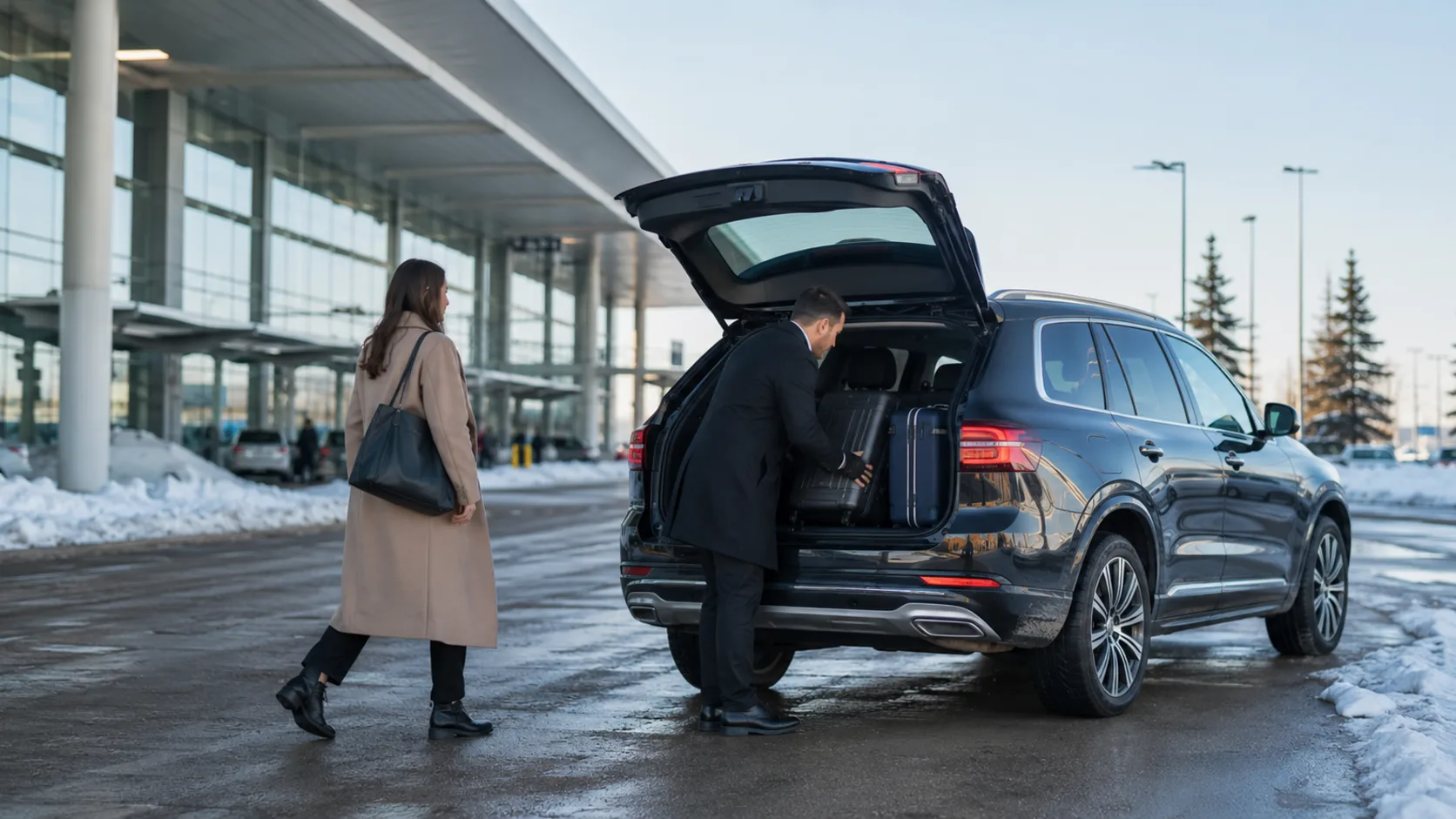
Canadian Airport Transfers With Winter Time Included.
Pearson baggage, a snowy curb and the highway downtown all belong to the run. Keep the sedan assigned until the passenger reaches the hotel.
 Start with Google
- Winter buffers remain on the timeline
- Postal addresses start the job
- Corporate airport work repeats cleanly
- SUV and sedan held independently
- E-transfers reduce the balance
Online airport transfer requests
Start with the right airport vehicle
Request the arrival, departure or ski-group airport transfer from one starting address while the page checks live time for the selected airport vehicle.
Learn moreOne live fleet timetable
Reserve the complete airport run
A snowy Pearson arrival and downtown run stays occupied through its expected finish, preventing an overlap created by a paper gap.
Learn moreMake every occupied minute visible.
A snowy Pearson arrival and downtown run needs one continuous fleet span from preparation to return.
Fleet time includes the handover
A snowy Pearson arrival and downtown run occupies one entry through the finish, keeping the fleet view honest when the work runs long.
Later stops stay in staff notes
Before departure, the driver can review the first postal address and the notes staff added.
Confirm the correct unit
The black sedan and premium SUV stay distinct, so a group cannot inherit the wrong vehicle.
One price, chosen before you speak.
The sedan and the people mover are separate products at separate prices. Nobody is renegotiating on a footpath at five in the morning.
One resource, one occupied interval.
the selected airport vehicle cannot appear free while its confirmed airport run is still running.
Built for your runs
Built for every kind of airport transfer
The Pearson baggage wait
Reserve the sedan beyond scheduled landing through baggage, curb collection and the downtown road.
A YVR arrival in heavy rain
Keep the traveller, terminal note and first postal address beside the driver’s live booking.
The Calgary ski group
Use the SUV service when equipment and mountain travel need a different vehicle and longer span.
A hotel desk booking for its guest
Retain the hotel contact and passenger separately while the transfer history stays on one account.
Thursday corporate travel
Repeat the same weekday airport run every week or two and finish it with the client assignment.
Two vehicles for one delegation
Schedule the sedan and SUV independently beneath one travel arranger, preserving both drivers.
The hotel address after pickup
Customers enter one starting location; dispatch adds the destination and flight information to notes.
Snow changes the arrival time
Move the existing job and retain the traveller, winter buffer and e-transfer record.
An e-transfer before the flight
Post the payment to the correct airport run and leave any remaining amount visible.
A cancelled connection
Return the reserved vehicle interval to availability without disturbing other winter airport work.
Know what has been agreed and received.
Travellers and hotel desks need the accepted scope and offline receipts to reduce one visible balance.
Preserve the accepted scope
Keep waiting, winter buffer and the selected SUV written on the confirmed booking. Acceptance stays attached when the work enters the diary.
Record offline money without card claims
Post an e-transfer, cheque or cash payment so staff can distinguish money received from the amount still due.
Choose when reminders should run
Enable the email reminder for the day before a winter airport departure; it is an operator choice, not a message that ships switched on by default.
- Émilie TremblayP-1011 · 25 Jun · Bank transfer$380
- Ryan MacLeodP-1012 · 25 Jun · Cash$240
- Priya SandhuP-1013 · 28 Jun · Card$380
- Jacob WongP-1001 · 27 Jun · Card$190
One app for every booking
Everything you need to run your airport transfer business.
Addresses on the job
Public booking captures one starting address. Staff add the destination and later stops and later stops to the notes before dispatch.
One car, one run
Confirmation reserves the selected airport vehicle for the exact span, so another airport transfer request cannot overlap it on the public calendar.
Email reminders
Switch on the email confirmation or reminder for the day before a winter airport departure, including the booked time after the operator settles the plan.
Starts free. Grows
only when you do.
Add your whole team and get booking for nothing.
As you grow with us you can go Pro.
Common questions.
Use one continuous interval beginning with the agreed preparation time and ending after the finish and fleet return, so the selected airport vehicle is not exposed early.
Public booking asks for the starting address. Keep the destination and later stops in staff-entered notes on that job.
Record an e-transfer manually against the matching booking. The visible remainder changes without creating an online card transaction.
Yes. Keep waiting, winter buffer and the selected SUV written on the confirmed booking. Turn the approved work into a booking with those lines carried across.
Return the cancelled time to the public page and leave all other fleet reservations unchanged.
Yes. Schedule each airport vehicle on a distinct entry and retain the common organiser on all of them.