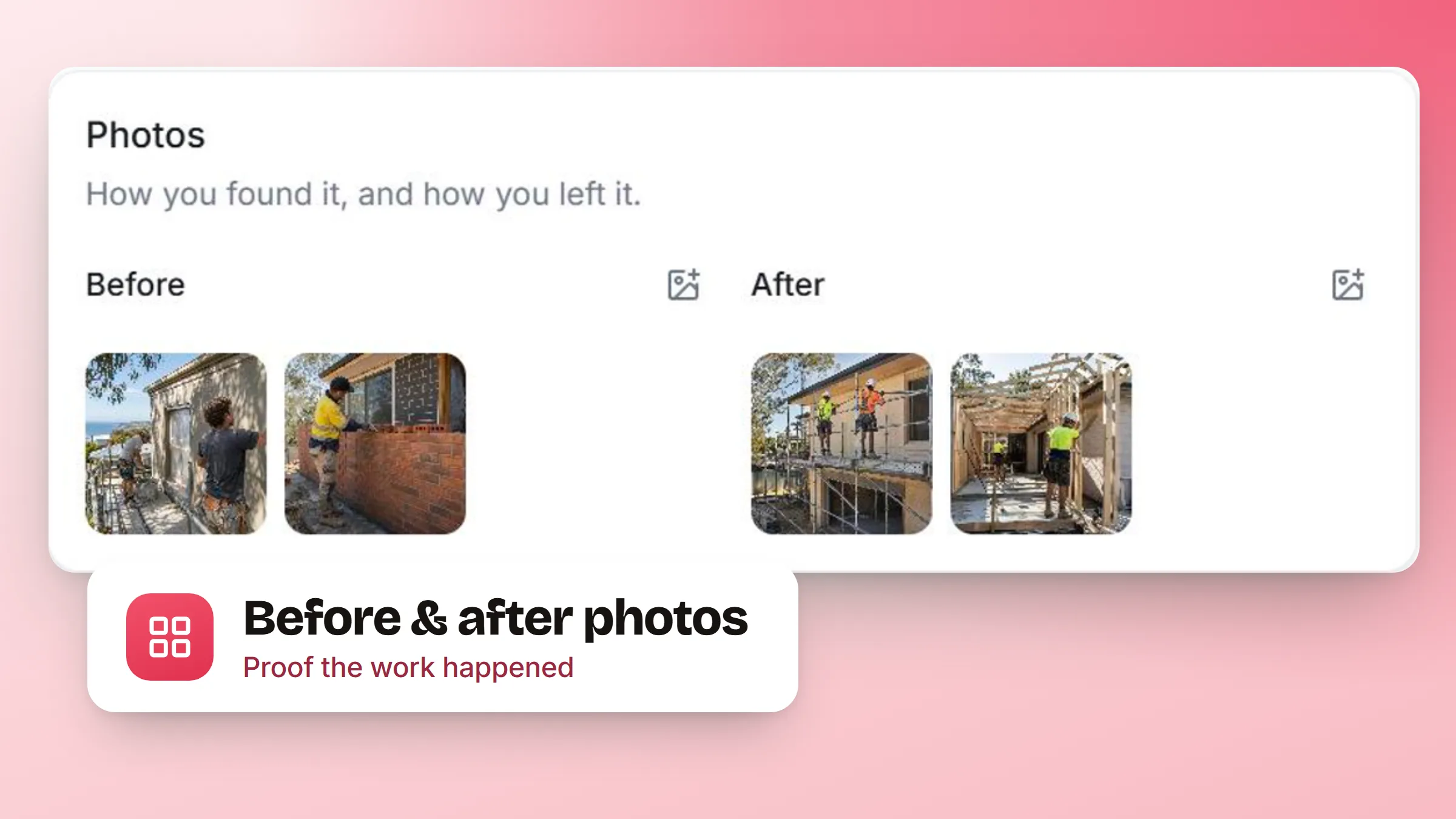
Every trade takes these photos already. They end up in a phone, occasionally in a group chat, and they are gone by the time a customer disputes what the garden looked like when you turned up.
- A Before zone and an After zone. Both live at the foot of the booking record, under the schedule and the money, where you reach for them at the end of a visit rather than the start.
- Add several, then commit. Photos stage first and only attach when you confirm, so backing out of a half-finished upload leaves nothing behind. Removing one asks first.
- It shows on the feed. Adding and removing photos is recorded on the booking's own feed with who did it, next to everything else that happened on that job.
- Only as visible as the booking. A team member who cannot see a booking cannot see its photos or download them, and adding or removing them needs the same permission as changing the booking.
Before & after photos is an addon: switch it on in settings and the zones appear on every booking.