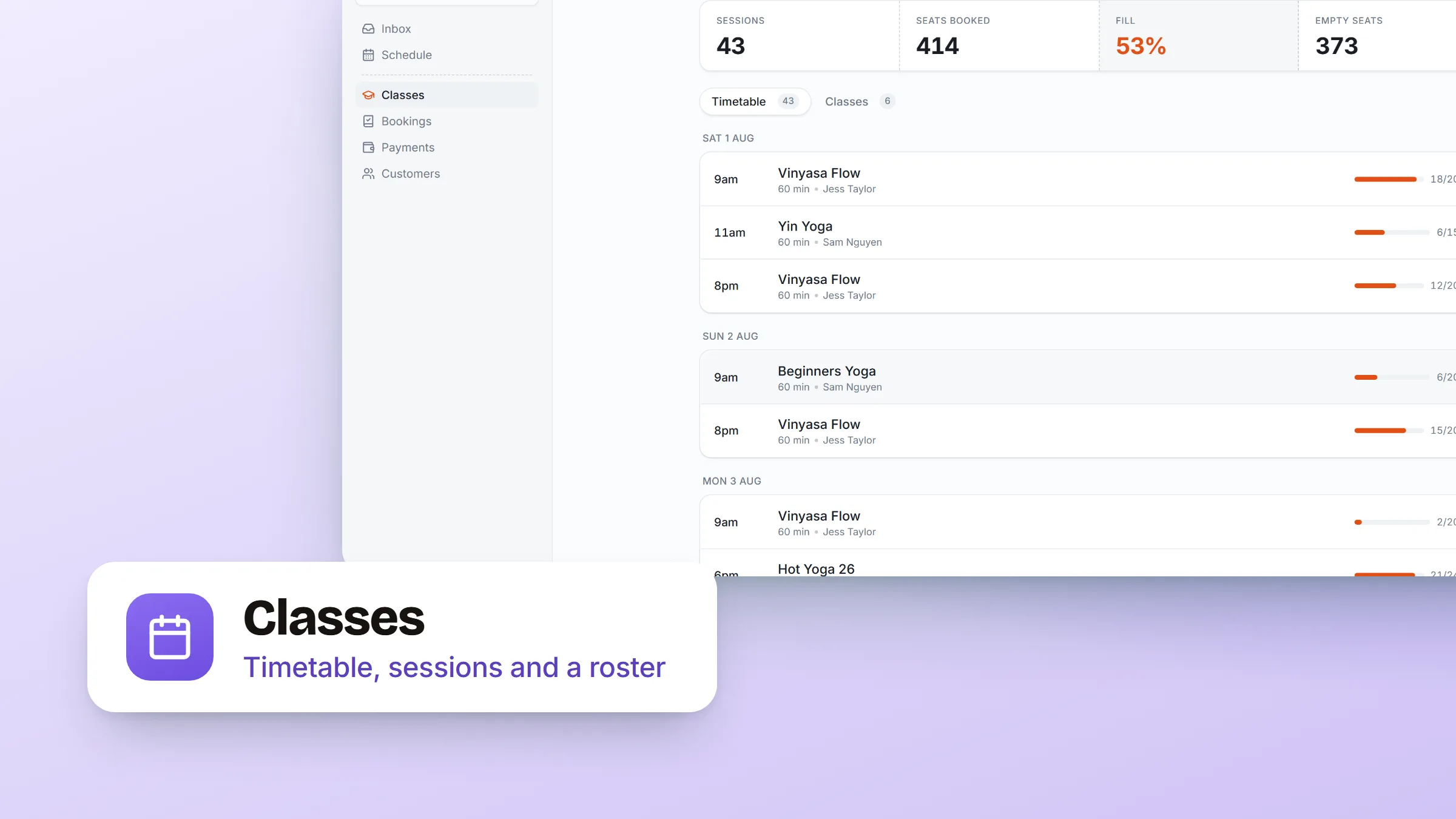
If you teach, coach or run a studio, your day is a timetable rather than a list of jobs. Until now Bookables made you read it as bookings. Classes now sit above Bookings in the sidebar with a page built for the way the work actually runs.
- Your timetable, not your booking list. Open Classes and you see the sessions you are running, by month, with the chips at the top jumping you to the one you want.
- A roster you tick off. Open a session and everyone booked in is there with their photo. Mark them present as they arrive and it saves in one go, not one request per name.
- Find the person you are looking for. The roster has the same toolbar as the bookings list, plus a filter for who has turned up and who has not.
- Get to it from wherever you are. The roster opens from the schedule board and the day grid too, so you are never hunting for it mid morning.
- Set one up in a minute. Create a class from the Classes page and land straight on its schedule, ready to add the times you run it.
Classes read as one block on the schedule rather than one row per person, so a Tuesday with four classes looks like four things, not forty.