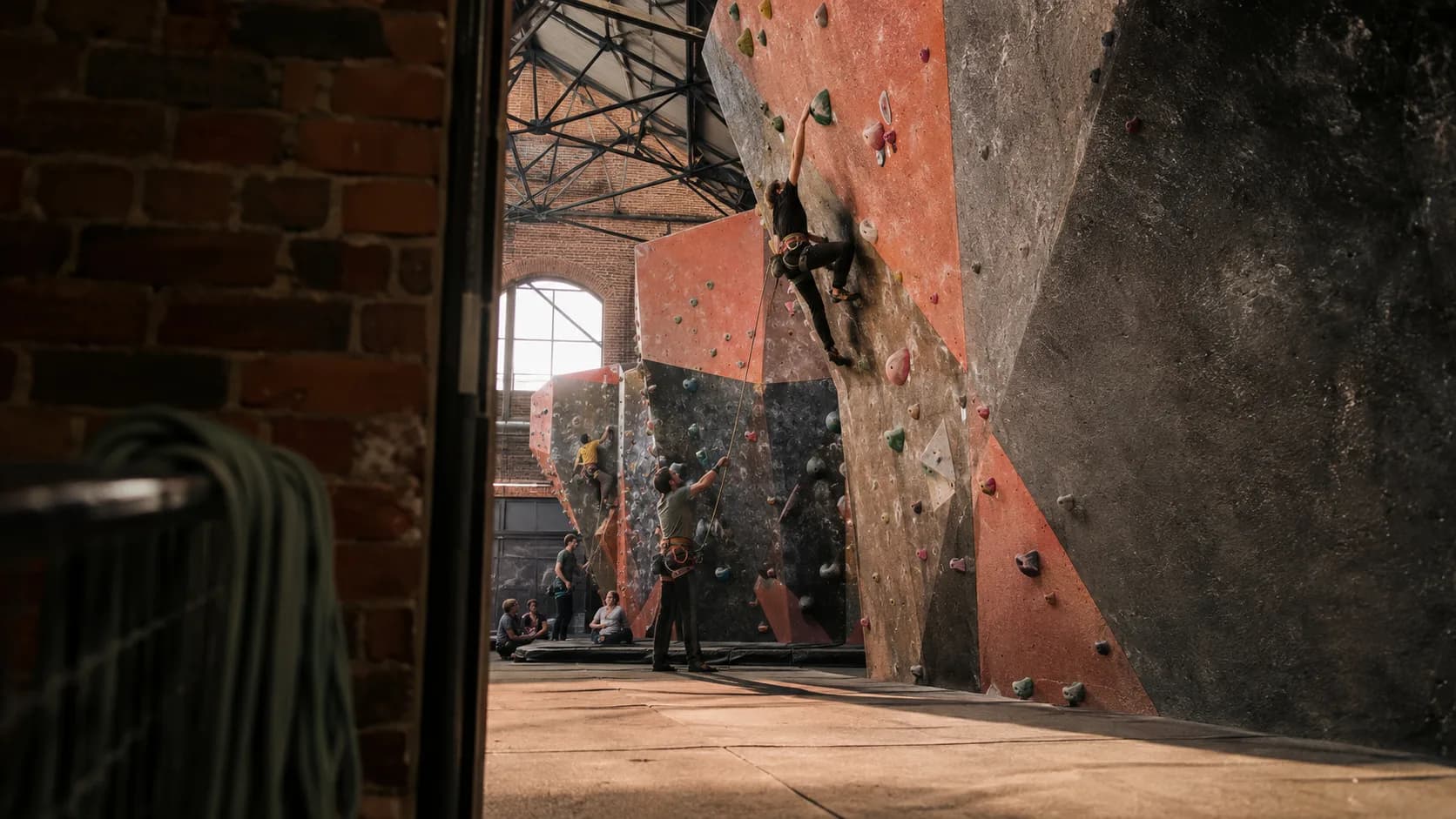
Climbing gym booking software for the UK.
Sell climbing time around coached blocks and birthday groups, without leaving reception to reconcile three versions of Saturday afternoon.
 Start with Google
- Climbing sessions book online
- Coached blocks remain intact
- Birthday groups fit the diary
- Full payment available on Pro
- Closed walls stay unavailable
Online booking
Bookings that match session hire
Offer the sessions left around open climbing sessions and regular blocks. Once booked, that precise slot is no longer shown at reception.
Learn moreOne live timetable
Keep sessions, staff and groups together
Put weekly junior academies, belay inductions and closures on one timetable, giving the duty manager one reasonably dependable answer.
Learn moreFine with forty. Dangerous with eighty.
The number on a climbing session is not a commercial choice. Set it once and the page stops selling before the mats get crowded.
The session closes itself
Booking stops at the number you set, rather than at the point somebody behind the desk notices how busy the room has become.
An induction takes an instructor
A first visit books the qualified person as well as the slot, so nobody arrives to learn to belay with nobody free to teach them.
Setters close a zone, not the gym
Take the wall the route-setters need out of availability while every other area stays open and accurately bookable.
Built for your centre
Built for every kind of climbing session
Open climbing sessions
Let climbers book the entry time genuinely left around coaching and groups, then remove it from sale when confirmed.
Weekly junior academies
Repeat the coached block through term and end it on the final session rather than preserving it into the holidays.
Belay inductions
Book the instructor, training space and session together so reception is not discovering the missing person at check-in.
Progressive coached sessions
Protect the wall area and coach for progressive sessions while ordinary climbing remains available elsewhere.
Birthday climbing groups
Keep the climb, party timing and agreed extras in one booking the duty manager can follow on Saturday.
School and college visits
Itemise the session and agreed equipment in a quote before setting aside a larger daytime block.
Route-setting mornings
Close the exact wall zone being reset while the sections ready for climbing remain bookable.
The wet Sunday rush
Leave full sessions closed and use a coupon to give the less celebrated midweek hours a fighting chance.
A full session diary you can still read.
Keep public hire, regular blocks and coaching on one session timetable the duty manager can read without additional archaeology.
Term blocks, booked once.
An after-school squad set up for the whole term, so the same twelve places are held every week without anyone re-entering them.
Payment status beside the booking.
Enter offline payments on Free, or use Pro for full card checkout and staged payments added afterwards to the booking record.
Full card payment online
With Pro, the customer pays the full card amount while completing the booking online.
Cash and bank transfer
Enter cash or bank transfer manually on Free, saving reception from another payment-status guessing exercise.
Longer jobs start with a quote
Issue an itemised quote to the organiser and retain the accepted detail with later payment entries.
- Gemma WhitfieldP-1011 · 25 Jun · Bank transfer£380
- Danny OkoroP-1012 · 25 Jun · Cash£240
- Aisha PatelP-1013 · 28 Jun · Card£380
- Liam DochertyP-1001 · 27 Jun · Card£190
One app for every booking
Everything you need to run your climbing sessions business.
Capacity that holds
Treat each session as separate inventory. Once a customer books it, the same resource and time are removed from public availability.
Email reminders
Email confirmations and reminders include the session, date and session details, which is rather more useful than another vague diary note.
Starts free. Grows
only when you do.
Add your whole team and get booking for nothing.
As you grow with us you can go Pro.
Common questions.
Yes. Publish the sessions available for external hire and the chosen session disappears when the customer completes the booking.
Yes. Free includes weekly or monthly standing bookings, finishing on a chosen date, after a set count or indefinitely.
Yes. Pro takes the full card amount during online booking. Cash or bank transfer may be entered manually on Free when received.
Yes. Add the recurring booking first, then publish only the sessions genuinely left for public hire.
Yes. Take the affected session out of public availability without making every neighbouring resource appear closed as well.
Yes. Prepare an itemised quote for the hire and agreed extras, send it to the organiser and keep the approved version on file.