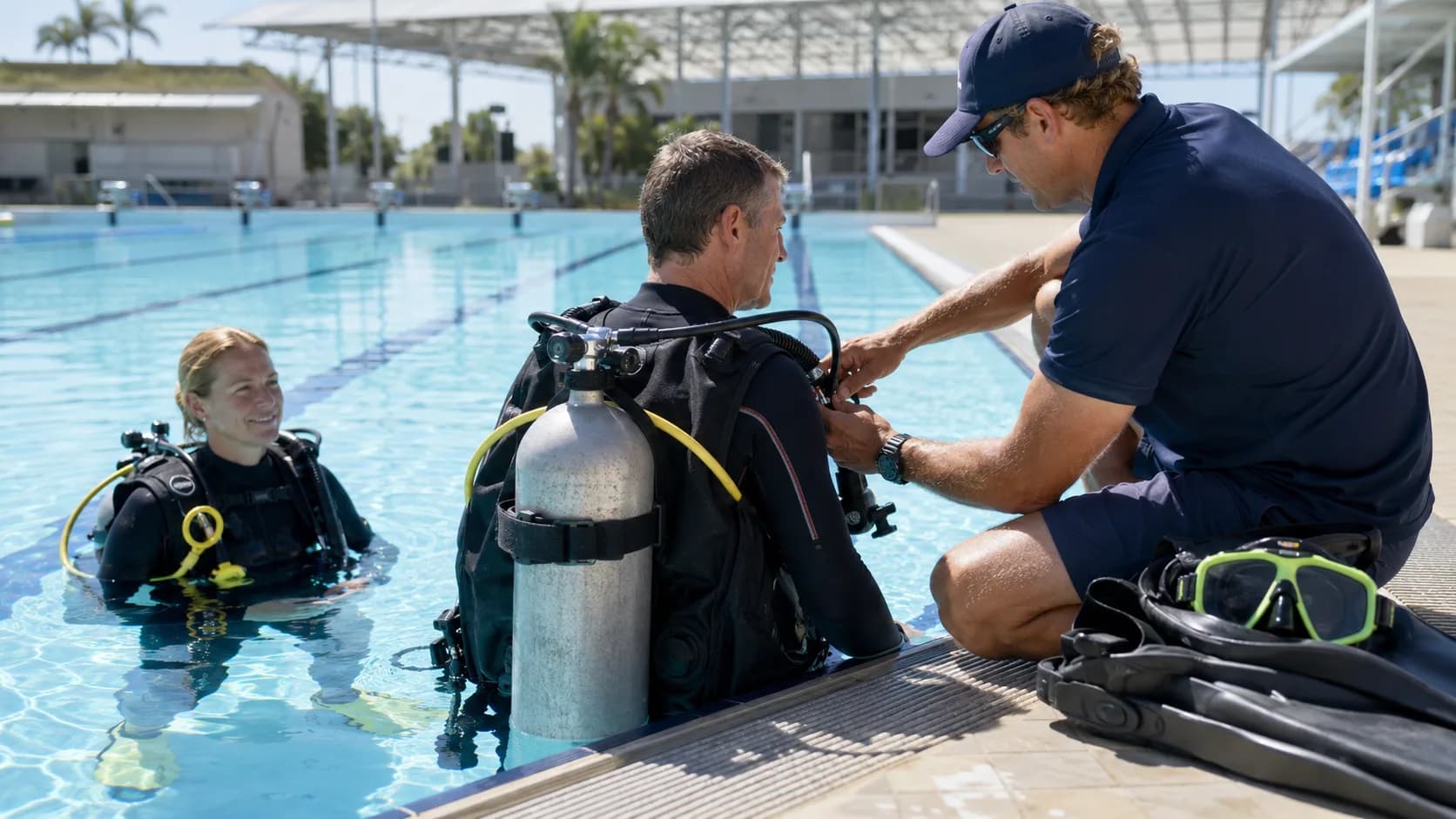
Scuba Certification booking software in Australia.
Put scuba course sessions online around pool skills. Keep kit sizes and skill progress on every place from enquiry to the day.
 Start with Google
- Book class places online
- Plan around pool skills
- Keep kit sizes and skill progress
- Repeat regular sessions
- Track every dive course fee
BOOKING
Sell the right class place
Open introductory dive sessions and open-water course starts around pool skills; booked places enter the training calendar.
Learn moreSCHEDULE
Plan around kit sizes and skill progress
Run the training calendar around pool skills. Kit sizes and skill progress stay on the booking, not in a separate note.
Learn moreBuilt for you
Built for every kind of scuba certification business
Introductory dive sessions
Open introductory dive sessions around pool skills. The confirmed place joins the training calendar with kit sizes and skill progress.
Open-water course starts
Give open-water course starts a realistic duration and instructor. Protect setup time before the next scuba course session.
Confined-water skills
Use confined-water skills for busy seasonal blocks. Each participant takes one visible place from availability.
Theory workshops
Collect kit sizes and skill progress before theory workshops so the instructor can prepare before the early start.
Equipment fitting
Keep equipment fitting under your control while straightforward sessions remain available online.
Checkout dives
Assign checkout dives to the right dive instructor and keep ownership clear on the working roster.
Refresher sessions
Repeat refresher sessions weekly or monthly, with an end date or session count when the program is finite.
Private skills coaching
Use quieter openings for private skills coaching without exposing every protected gap in the day.
Scuba Certification bookings without loose ends.
Bookables keeps each scuba course session, participant and practical detail together, so the day does not begin with a diary hunt.
Options, with Pro
Publish the straightforward scuba course sessions, add involved bookings yourself and repeat regular sessions weekly or monthly. You choose the openings.
- Advanced course · 5 dives8 divers$3,600
- Charter boat · 2 daysDisbursement$1,800
- Tanks, weights and fills8 divers$640
See it in action
Every booking, in one app.
Schedule
The pool night and the boat days on one course
Each part of the certification is its own dated session with its own capacity, so a student sees the Thursday evening and both weekend days before they commit.
Instant booking
A six hundred dollar seat that is actually held
The deposit is taken when the seat is booked, which is what stops you turning two people away for a spot that then quietly sails empty.
- Advanced course · 5 dives8 divers$3,600
- Charter boat · 2 daysDisbursement$1,800
- Tanks, weights and fills8 divers$640
Get paid
Medicals chased in the week before, not on the wharf
Students are contactable from the moment they book and a reminder goes out before the course. A club weekend is quoted with the charter itemised.
Less admin, more bookings
Made for scuba certification businesses
Start with the class already clear
Open the training calendar with the instructor, kit sizes and skill progress and first arrival in view before the busy part of the day begins.
- The first start is readySee introductory dive sessions, open-water course starts, confined-water skills in a working order, with durations that fit the actual teaching.
- Brief before arrivalOpen the booking to check medical checks, kit sizes and skill progress while there is still time to prepare the instructor and equipment.
- Someone owns the classThe assigned dive instructor stays visible to the team, so a full group is not quietly waiting in the wrong calendar.
Use the timetable you actually have
Publish the scuba course session openings that survive pool skills; leave setup, travel and involved teaching protected.
- Open useful session timesChoose scuba course session starts before heat or peak demand. For dive training, booked places leave availability while protected time stays closed.
- Regular groups keep their rhythmRepeat a weekly or monthly group around the local timetable, with a finish date or scuba course scuba course session count when needed.
- Give the quiet slot a jobUse coupons to encourage bookings into a quieter opening without changing how the scuba course session itself is priced or run.
Keep the dive course fee with the place
Record what was paid at the desk or online and leave the dive course fee beside the participant, session and kit sizes and skill progress.
- Offline still countsRecord cash or bank transfer on Free when the dive course fee is settled at the venue or outside Bookables.
- Card payment when usefulWith Pro, collect the full dive course fee online and keep it beside the confirmed class place.
- A recognisable paymentSee the participant, kit sizes and skill progress and fee together instead of decoding a bare transfer description.
Start taking scuba certification bookings today
Set up in minutes. 200 bookings a month free, no card needed.
One app for every booking
Everything you need to run your scuba certification business.
Capacity that holds
Set the places on a session once and booking stops by itself when it is full.
Email reminders
Email the time, meeting details and preparation notes before the scuba course session; participants know where to be and what to bring.

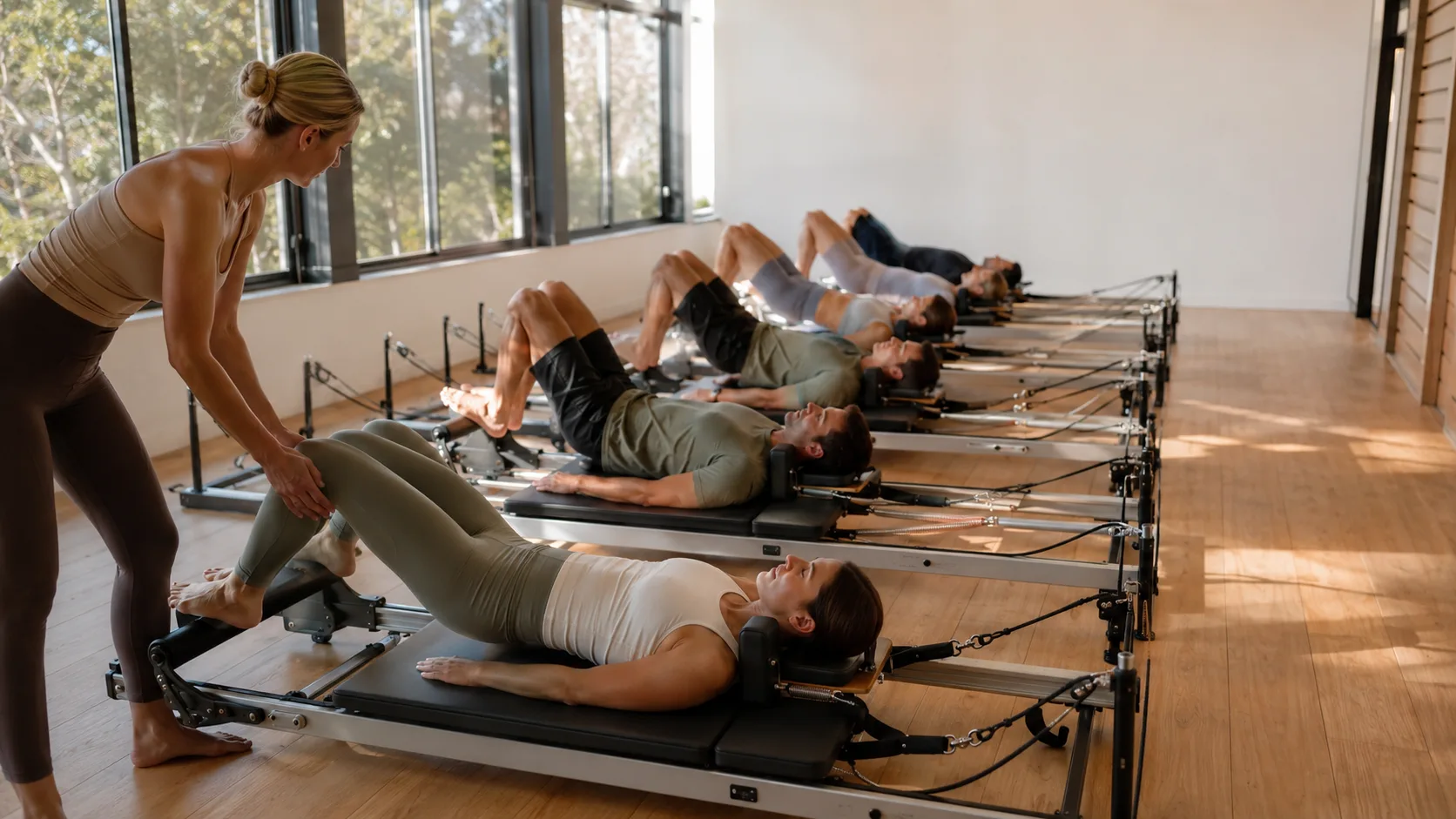


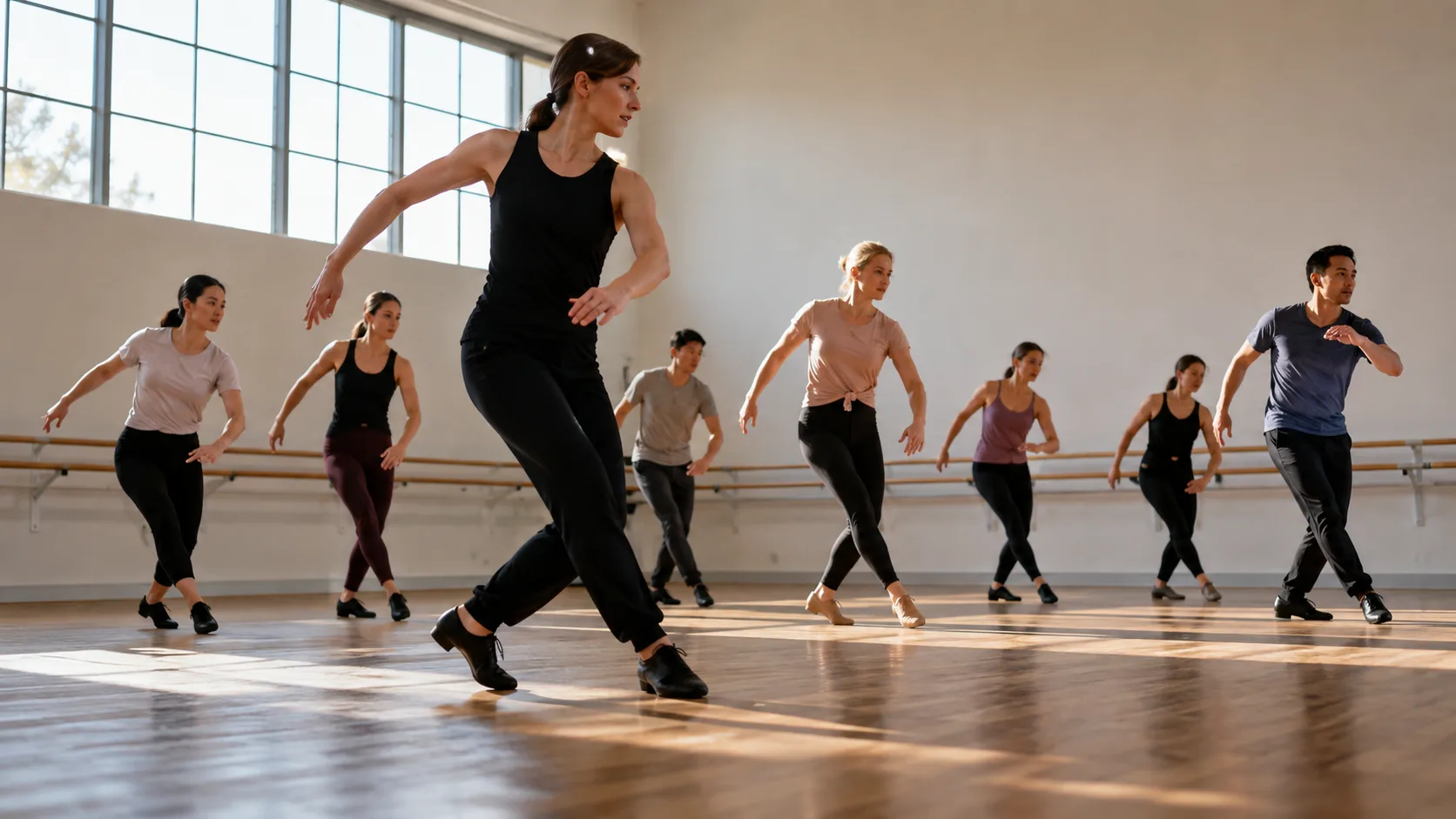
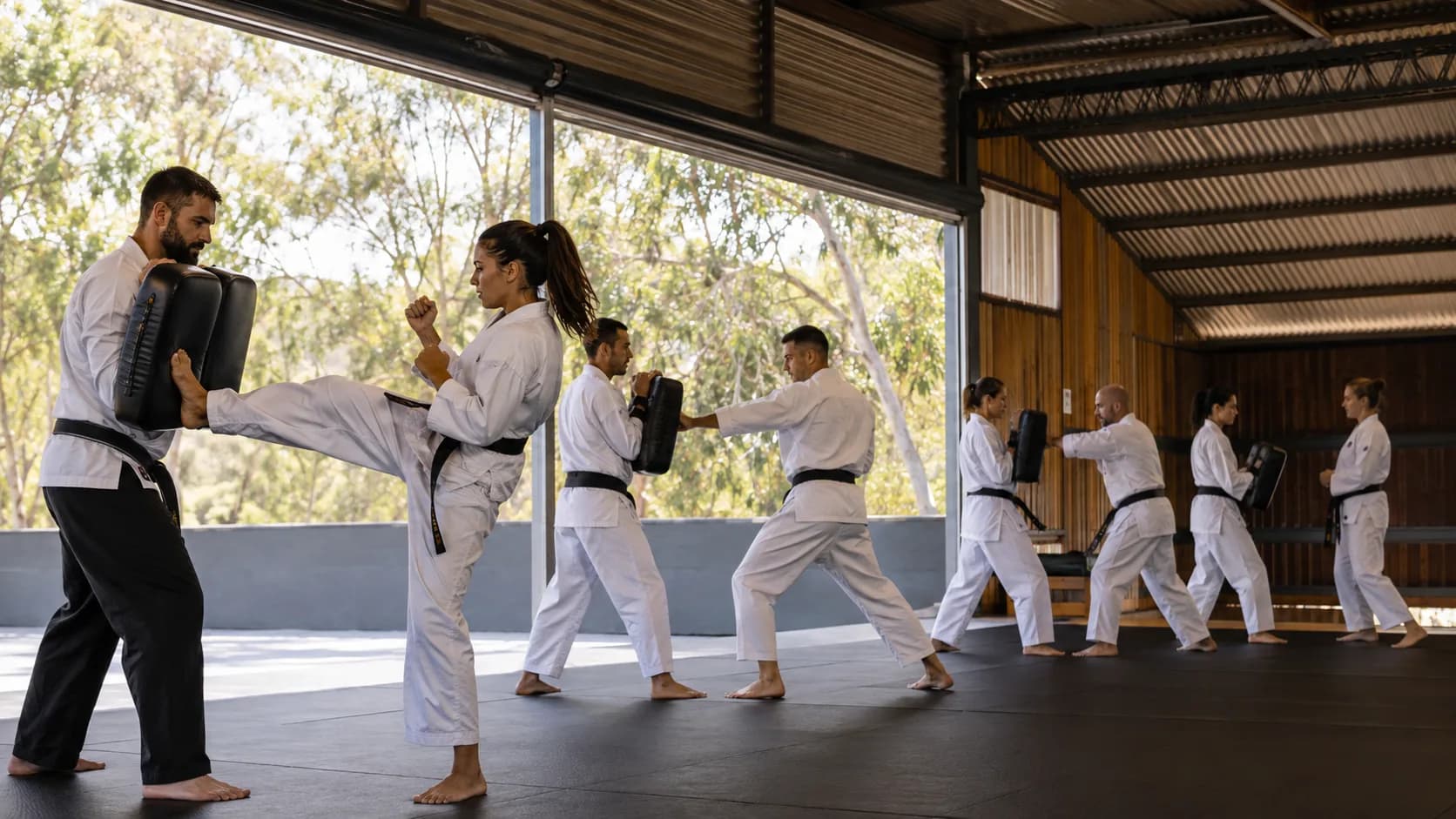
Common questions.
Yes. Publish the scuba courses and openings that suit the working day. When a scuba course session is confirmed, the place is removed from availability and added to the training calendar.
Yes. For dive training, put routine options online and add involved or referred work yourself. Public booking does not mean handing over the whole training calendar.
Yes. Standing bookings on Free can run weekly or monthly, continue without an end, finish on a date or stop after a chosen number of scuba course sessions.
Yes. The shared schedule carries the assigned dive instructor and booking context, so the person running the scuba course session can prepare from the same record.
Yes. Email reminders can include time, arrival and preparation details before the scuba course session.
With Free, record cash or bank transfer manually. For dive training, pro can take full online card payment, keeping the amount attached to the booked place.