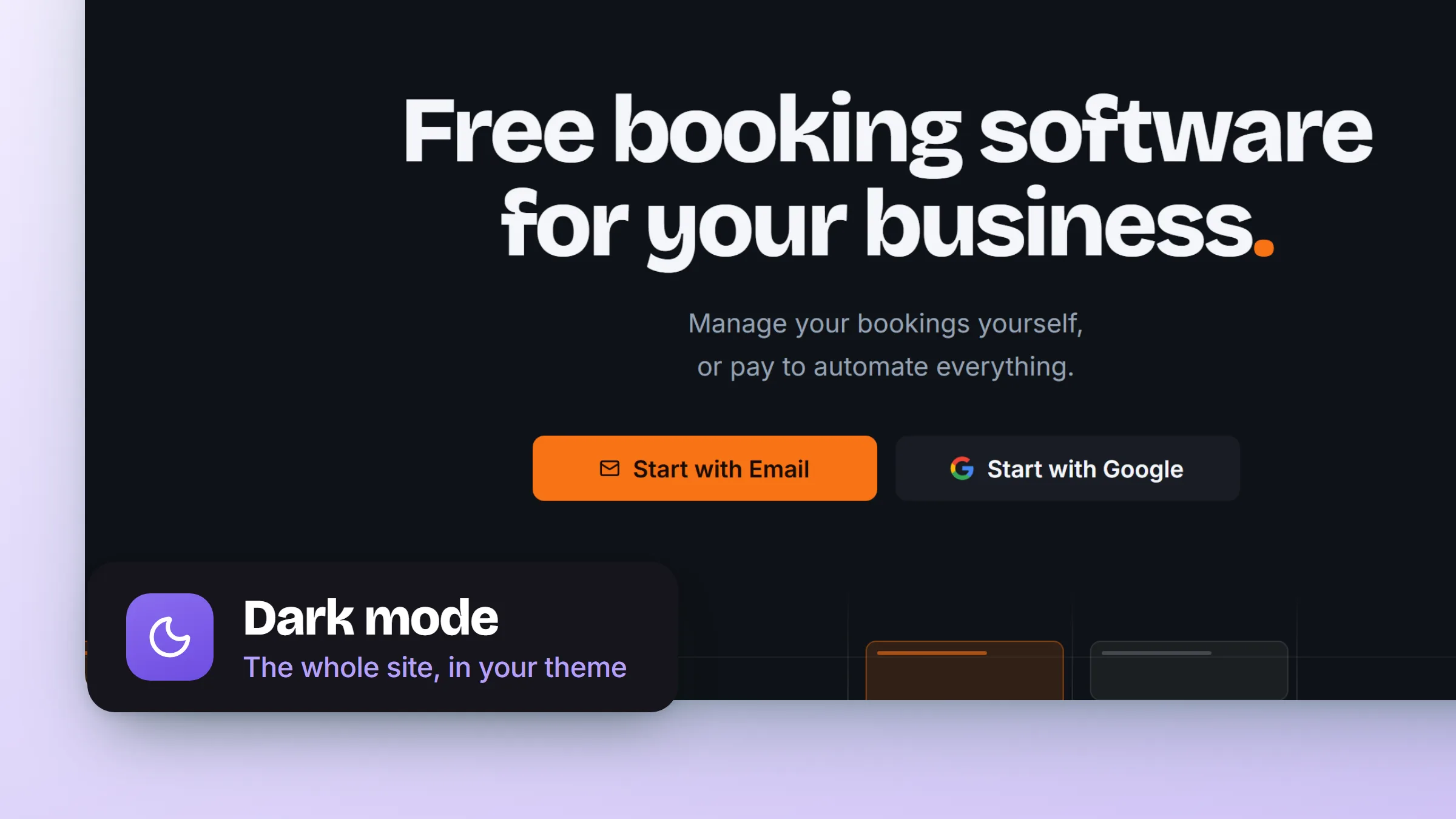
Dark mode covers every screen you work in, from the schedule and your bookings through to settings. What it did not cover was the rest of the site, so leaving the app meant a bright white page in the middle of a dark evening. Now the two match.
- Everywhere you work. Light, dark or follow the system is yours to set once in appearance settings, and it holds across the whole app.
- And everywhere you send people. Public pages follow your system setting too, with a switch at the bottom of any page if your system says one thing and you want another.
- Screenshots that match. Each product image has a light and a dark version, so the screenshots on a page are in the same theme as the page around them rather than glowing out of it.
- Maps in the right theme from the first frame. A map used to build light and then correct itself. It now knows the theme before it draws, so there is no flash.