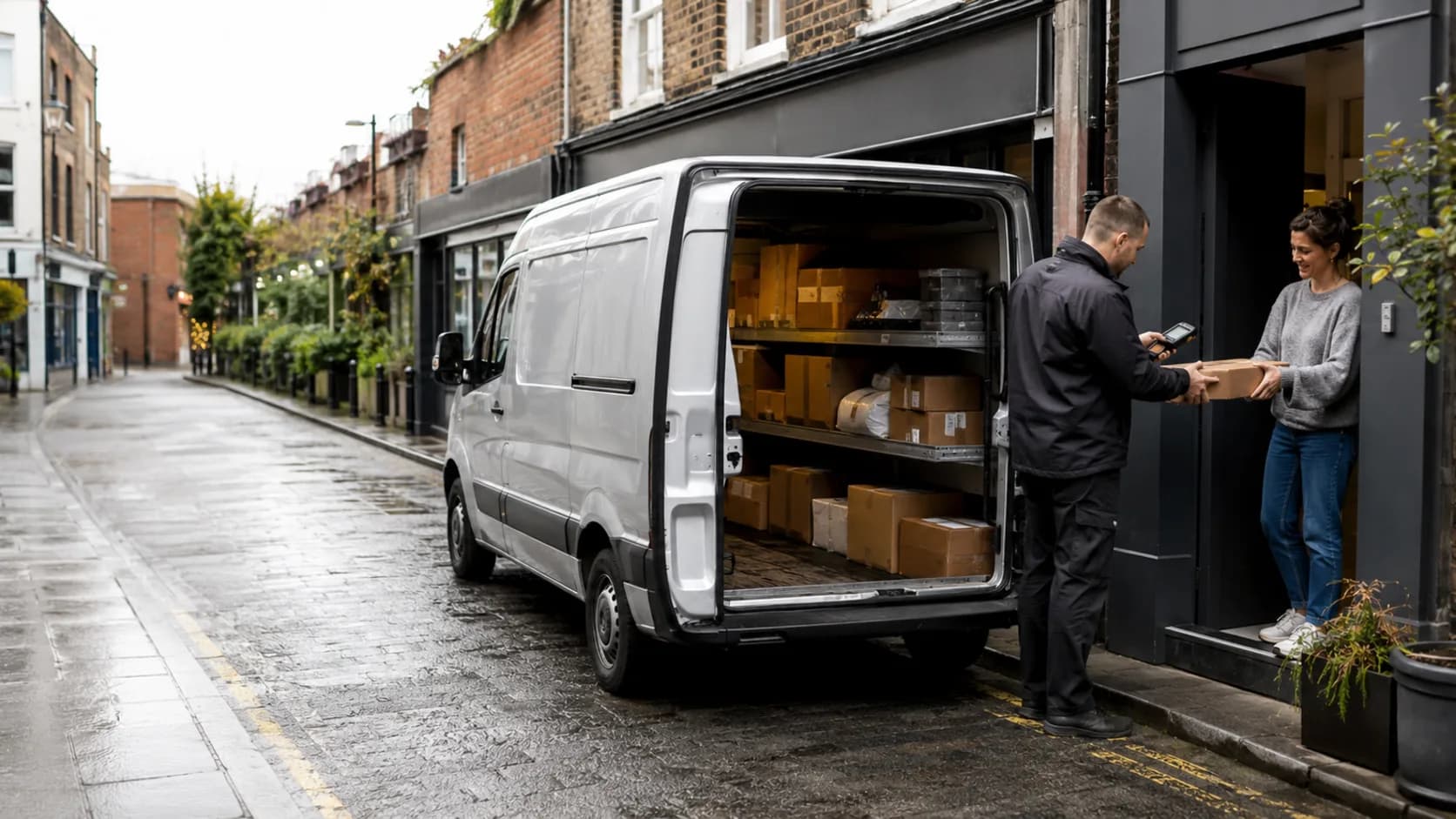
Courier Management Software for the UK.
A timed delivery is not helped by its postcode living in one message and the access note in another. Keep the job address on the booking.
 Start with Google
- Job postcode on the booking
- Timed deliveries held properly
- Account rounds repeat on Free
- Counties chosen before checkout
- Every van visible on one diary
Online booking
Collect the details before the parcel
Customers choose an available window and enter the job postcode and contact details, leaving the office with a booking rather than a vague message.
Learn moreCourier diary
Keep timed drops honest
Give a depot collection, waiting slot or dedicated van the time it really occupies, then see what the afternoon can still take.
Learn moreA timetable that includes the loading bay.
Timed collections, waiting at goods-in and the drive itself all occupy the van. The diary should admit as much.
The postcode is not an afterthought
The job address stays on the booking, preventing the familiar hunt through messages when a different driver takes the collection.
Reserve the honest duration
An afternoon dedicated van blocks an afternoon, so a short-looking pickup cannot be booked into time already promised elsewhere.
One move survives intact
Drag a delayed goods-in slot to its new time and retain the assigned customer, agreed price and delivery details without a replacement booking.
- Ancoats8 counties · 2 crew
- Prestwich7 counties · 2 crew
- Manchester North7 counties · 2 crew
Publish the counties you will cover.
Some long jobs deserve the drive. That does not mean every distant postcode belongs on the public diary.
Find a window, not a new route.
Open times are compared by the extra driving they add. Your existing round remains in the order you gave it.
Start with possible
Driver hours, booked work and travel time rule out gaps that only look empty, leaving a shortlist the van can actually reach.
Then prefer the shorter detour
Where two windows both fit, the one adding less driving appears first. It is a useful suggestion, not an unseen dispatch decision.
Nothing is reordered
The system ranks places for one new collection. It does not redesign the multi-drop round or move an accepted delivery automatically.
- AWAnna WhitfieldToday · 15:45Best+8 min
- DPDanny PrasadToday · 14:30+22 min
- JYJack YoungTomorrow · 09:15+35 min
Built for your runs
Built for every kind of courier work
Documents at court before the deadline
Hold the timed delivery against the assigned driver, with the job postcode and named contact available in the same record.
The motor-factor morning round
Repeat the account route from one setup on Free, rather than asking the depot to confirm tomorrow’s identical collection again.
A pallet waiting at goods-in
Sell the tail-lift van separately and allow for the booked loading slot, so the next collection is not resting on a heroic turnaround.
Same-day across three boroughs
Reserve the occupied span for the round while each van remains visible on the shared diary for the office.
A collection beyond your usual counties
Keep it off the public booking page by setting your service area, then add it yourself when the mileage suits the load.
The spare window after lunch
Rank feasible start times by added driving and choose the opening that asks least of an already busy round.
Archive boxes for a regular client
Keep their sites, contacts and previous collections under one customer, so the next booking begins with facts rather than recollection.
Goods-in moves the slot
Drag the job later without detaching the price, customer or delivery note, and leave the original entry out of the way.
A dedicated van for the afternoon
Quote the block as its own job and reserve the full span, rather than squeezing several hours of driving into a nominal collection time.
The eight o’clock call that never changes.
The account that books the same run every weekday is not a booking. It is a standing arrangement, and it should have been set up once.
Set once, runs all year
A daily run repeats on the Free plan and ends never, on a date you choose, or after a set number of runs, so nobody re-enters it two hundred times.
Still yours to move
A standing run is a real booking on a real day, so a Tuesday that has to shift gets dragged like any other job rather than unpicked and rebuilt.
One account, one record
Two hundred small jobs sit under one customer with the addresses they use, so the relationship is legible without opening two hundred bookings.
Match the transfer to the right run.
A reference from an account is useful only when the office can tell which delivery it settled.
Record it where the work sits
Add a bank transfer and paid-on date to the booking on Free, keeping the transaction beside the parcel or van job it covered.
Part-paid remains visible
If an account pays only some of the balance, record that amount and leave the remainder outstanding on the same delivery.
Cash does not need another ledger
Money collected by the driver can be marked on the booking too, so the office is not reconciling the day from notes in cab pockets.
- Gemma WhitfieldP-1011 · 25 Jun · Bank transfer£380
- Danny OkoroP-1012 · 25 Jun · Cash£240
- Aisha PatelP-1013 · 28 Jun · Card£380
- Liam DochertyP-1001 · 27 Jun · Card£190
One app for the whole job
Everything you need to run your courier business.
Starts free. Grows
only when you do.
Add your whole team and get booking for nothing.
As you grow with us you can go Pro.
Common questions.
Yes. Standing bookings repeat weekly on Free and can continue indefinitely, finish on a date or stop after a chosen number of runs.
Yes. A mobile field booking keeps its job address on the record used to place the collection in the diary.
Yes. Choose the service areas you cover. A suitable job outside them can still be entered by you manually.
No. Open windows are ranked by added driving for the new job. Bookables does not reorder stops already on the diary.
Yes. Create an itemised quote, send it for acceptance and keep the accepted version as part of the customer record.
Yes. Record the amount and payment date by hand on Free. The balance remains on the booking it relates to.