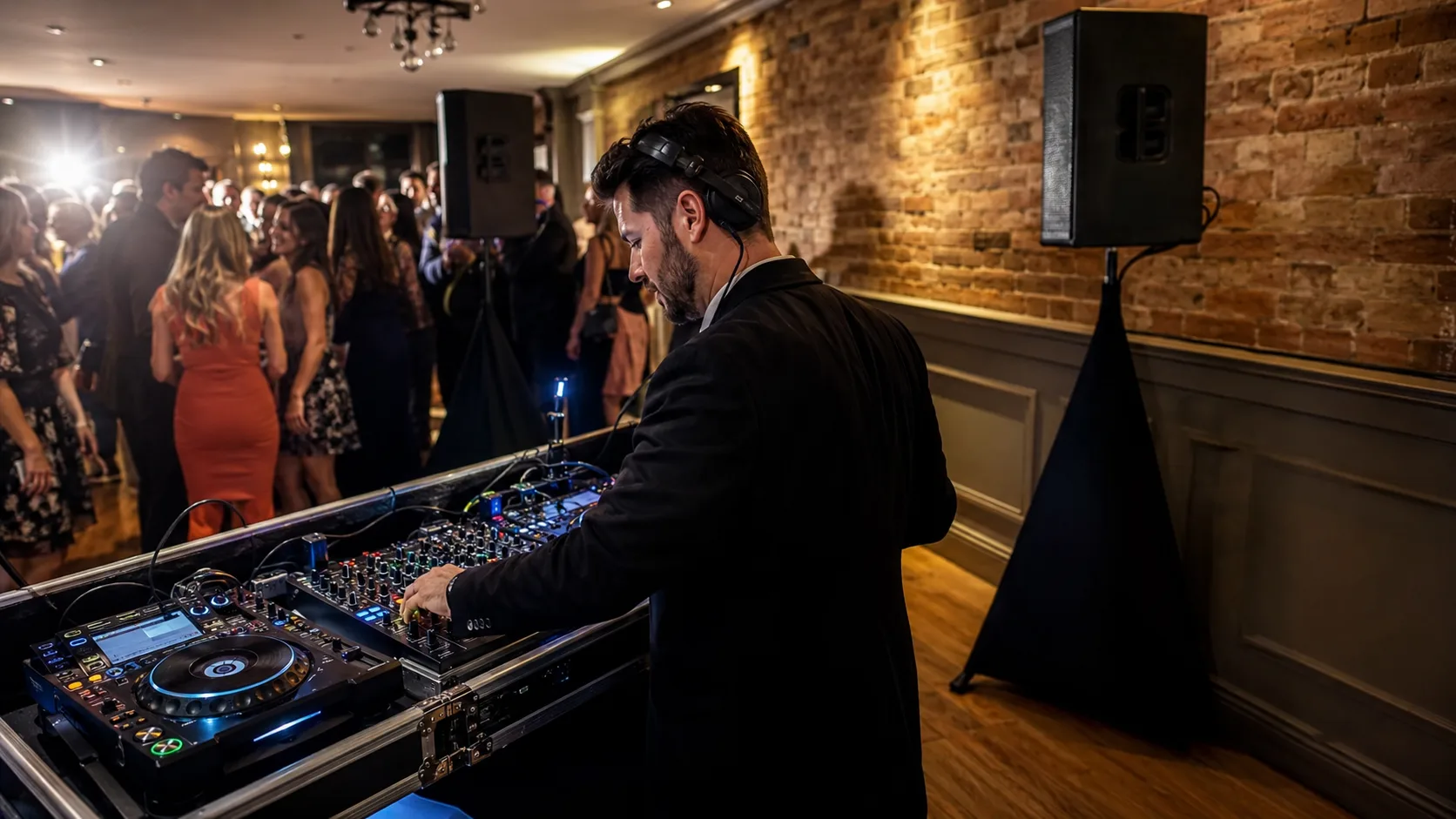
DJ Booking Software for the UK.
Sell DJ set dates, keep event details with the booking and give every confirmed appearance a proper place in the diary.
 Start with Google
- Bookings from real availability
- Clear DJ set schedules
- Quotes tied to each event
- Email reminders before the date
- Cash, transfer or online card
Take the booking
Sell the date without selling it twice
Offer DJ set availability online, confirm the organiser’s choice and remove that DJ from the same event window.
Learn moreRun the diary
Keep the working brief with the booking
Keep the DJ set brief beside the date, then show assigned people exactly where they need to be and when.
Learn moreBuilt for your trade
Built for every kind of wedding & party dj business
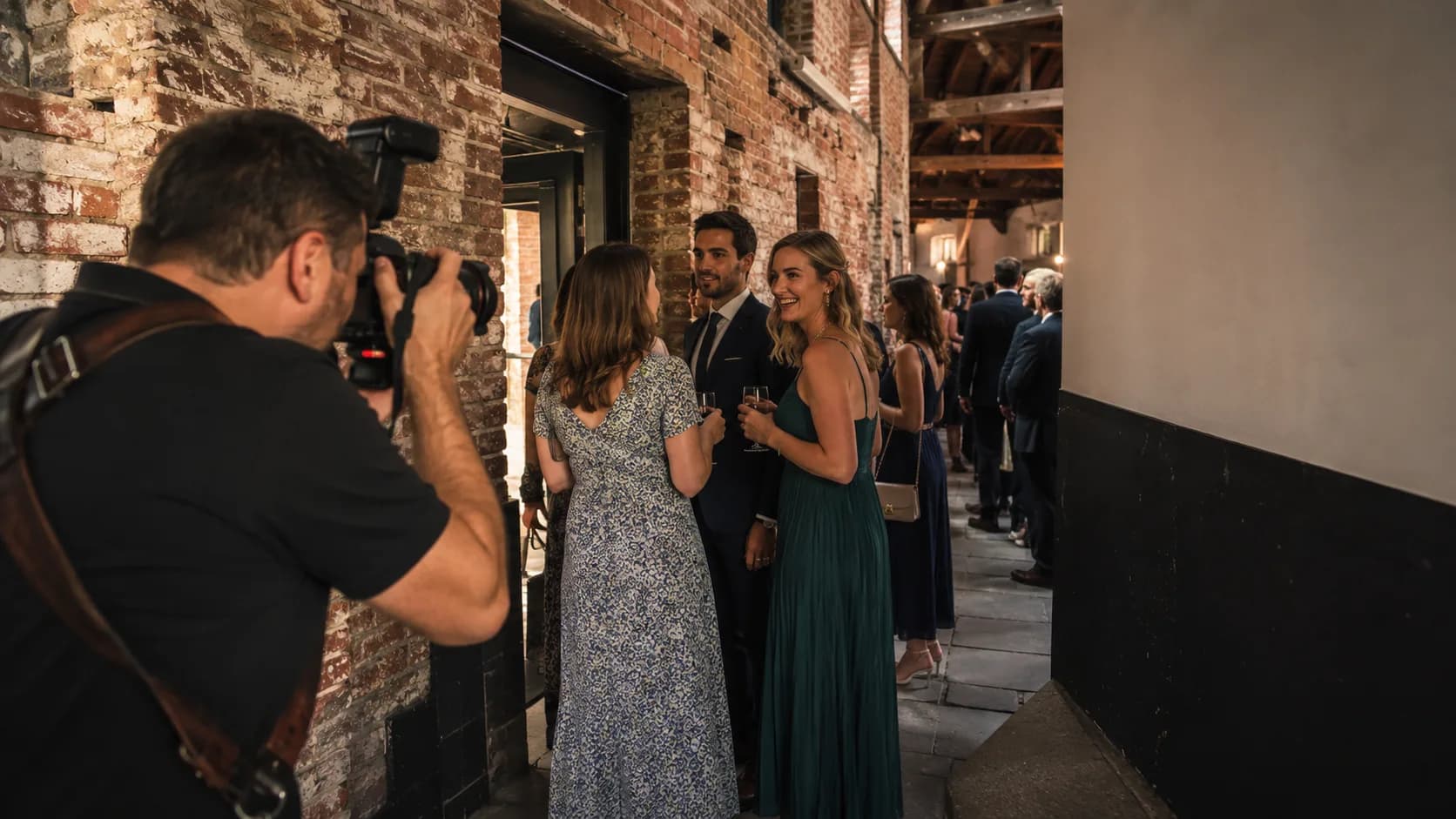
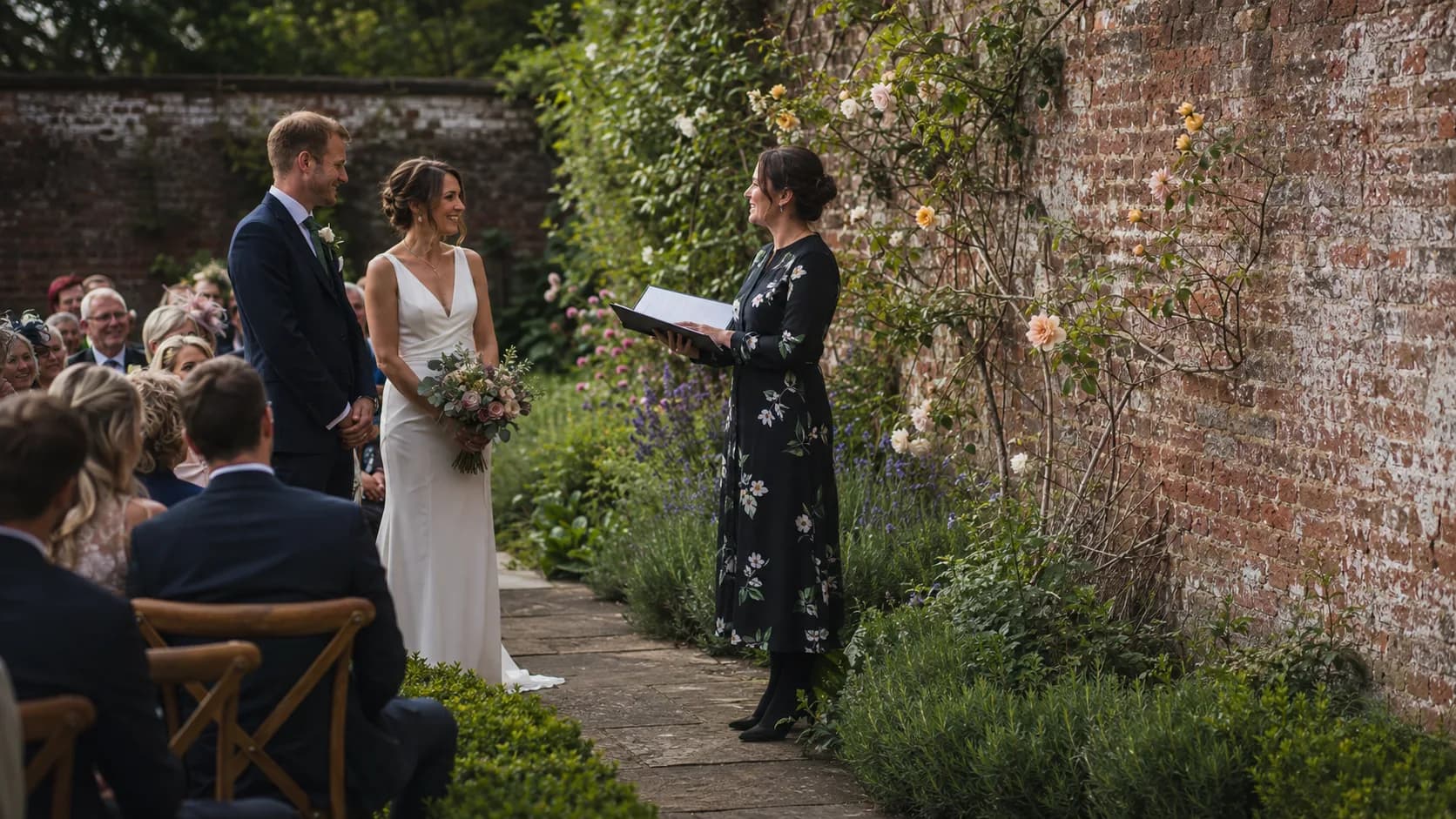
Wedding receptions
For wedding receptions and this DJ set, offer the slot with timings and venue details attached, rather than pencilling in an unexplained Saturday.
Birthday parties
For birthday parties and this DJ set, close the date to new bookings when it is confirmed, which is kinder than discovering the clash later.
Corporate functions
For corporate functions and this DJ set, keep access, curfew and the agreed format on the booking for the person actually doing the job.
School formals
For school formals and this DJ set, record the organiser and venue contact together when the running order has acquired several authors.
Pub and club nights
For pub and club nights and this DJ set, set a weekly or monthly standing booking for a residency without copying each date by hand.
Ceremony audio
For ceremony audio and this DJ set, send the quote for the requested format and retain the accepted option on the event record.
Festival sets
For festival sets and this DJ set, assign the performer and expose the travel window before a nearby-looking booking is accepted.
Repeat venue dates
For repeat venue dates and this DJ set, bring last year’s details forward from the customer record when the annual date returns.
Built for the events that pay you to perform.
Run hotel weddings, village halls, clubs and Christmas functions with real availability for every DJ set.
Options, with Pro
Offer the formats you actually sell, prepare a quote, confirm the selected DJ set, and keep changes attached to the same booking.
- DJ & MC · ceremony to reception8 hrs£1,600
- Lighting & dancefloor packageProduction£650
- Early bump-in & extra hourLabour£350
See it in action
The whole job, in one app.
Priced and booked
Set gigs book themselves, weddings come to you as a request
Your party and corporate packages carry a price on your booking page, so a Saturday set takes a real slot in your diary while you finish editing the last playlist. The big weddings land as dated requests instead, so you quote the night rather than lock it blind.
Scheduled and dispatched
One day of gigs, laid out in driving order
Every booked set drops onto your routed day in calendar, timeline and map views. On Free you drag each gig into the gap yourself, and on Pro the day rebuilds itself and hands each set to whichever DJ is closest and free.
- 1Corporate function setDidsbury08:00~9 min
- 2Kids party DJChorlton10:30~6 min
- 3Wedding ceremony setAncoats12:30
On the day
Work the run from bump-in to last song
The day sits in driving order, so you clear the Subiaco, Leederville and Mount Lawley gigs in the sequence that wastes the least time between them. Mark each one bumped in, on site and done, and the reminder to the host sends itself 24 hours out.
- DJ & MC · ceremony to reception8 hrs£1,600
- Lighting & dancefloor packageProduction£650
- Early bump-in & extra hourLabour£350
Get paid
Tiered quote to booked date, signed online
Lay out the ceremony basics, the lighting and MC package and the full production side by side, and the moment the couple signs their pick it becomes a booked date. Take a deposit at acceptance to hold the Saturday, then request the balance by email before the night.
Less admin, more bookings
Made for wedding & party dj businesses
A booking the DJ can actually work
The confirmed date carries the venue, organiser and DJ set brief, not merely a title and a hopeful time.
- Arrival is part of the jobKeep the event start, access and setup window beside the DJ set, giving the assigned people a workable arrival.
- The act is properly briefedKeep the DJ set brief on the booking so the assigned DJ can prepare before arrival.
- Changes stay with the dateUpdate the active booking when timings or format move, keeping the latest DJ set detail in the place everyone checks.
Busy dates stay honest
A confirmed DJ set closes the relevant DJ window, while the rest of the diary remains available to book.
- No accidental encoreOnce the DJ set is confirmed, that DJ cannot be offered for the same event window.
- Travel gets a proper lookSee the full commitment around the DJ set before accepting another enquiry that only appears to fit.
- Quieter dates can moveUse a coupon when you want to encourage a bookable DJ set date without changing how the busy ones are priced.
The DJ fee stays with the booking
See how the DJ set is being paid from its booking, rather than keeping a second private system in your head.
- Free keeps manual payments clearRecord cash or bank transfer against the DJ set when it arrives and keep the booking’s payment position current.
- Pro takes full card paymentLet the organiser pay the full DJ set fee online by card, attached directly to the event they selected.
- One event, one money trailKeep the agreed DJ set fee and recorded payment with the DJ booking, ready when the organiser checks what remains.
Start taking wedding & party dj bookings today
Set up in minutes. 200 bookings a month free, no card needed.
One app for the whole job
Everything you need to run your wedding & party dj business.



Common questions.
Yes. You control the DJ’s real availability for the DJ set and clients can book an open event window online.
Yes. Keep the venue, organiser and decks, mixer, speakers and dance-floor timings attached to the DJ set record.
Yes. Confirmation removes the booked DJ and DJ set window from availability.
Yes. Create weekly or monthly standing DJ set bookings and choose how the repeat ends.
Yes. Prepare the quote, retain the selected DJ set format and keep it with the event record.
Yes. Cash and bank transfer can be recorded on Free, while Pro takes the full DJ set fee by card online.