Coding Club booking software for the UK.
Keep after-school clubs, half-term coding camps and weekend workshops connected to the right computer place and staff.
 Start with Google
- Online bookings
- A clearer schedule
- Regular bookings
- Customer records
- Payments kept together
Online booking
Let the next coding class book itself
Publish coding class times you can honour and reserve the computer place without a round of emails.
Learn moreScheduling
Keep every computer place in step
Hold every coding class, computer place and regular time in one diary when the timetable changes.
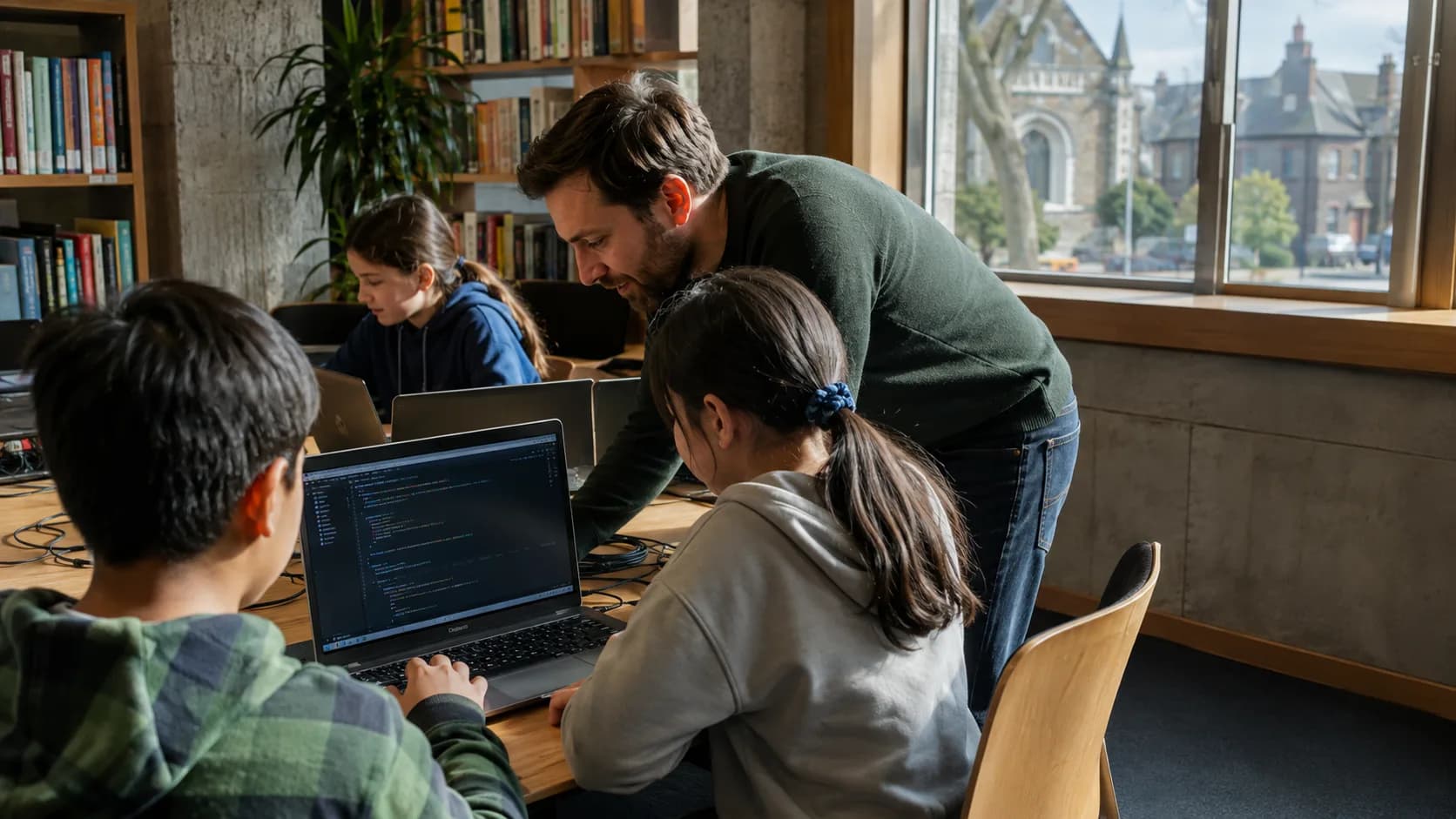
Learn moreTwelve laptops, twelve places.
The ceiling is the machines and it does not bend. Thirteen children and twelve screens is a Saturday somebody has to fix in front of the parents.
- 09:00Cooking classFull
- 12:15Spanish lessons11/16
- 17:30Strength & Conditioning5/12
A diary the whole desk can read.
See the next coding class, who is leading it and which computer place is committed before arrivals begin.
Two ten-year-olds, three years apart.
One finished the exercise in four minutes and the other has not opened the editor. Age banded them into the same group and age is nearly useless for deciding that.
Progress is on the record
What a child has actually built carries across terms, so the next enrolment starts from that rather than from a tutor’s memory of last Saturday.
A machine each, always
The class closes at the laptops in the room, which is the one limit in this business that genuinely cannot be worked around on the day.
A project takes a term
A child keeps their Saturday for the whole term because what they are building does not finish in one session.
- 12 AugOven + windowsBooked · £95
- 2 AugPayment received£140
- 28 JulDeep clean quoteAccepted · £215
- 14 JunRegular cleanCompleted · £70
Built for your club
Built for every class and camp you run
Beginner coding
Reserve the coding-club place, tutor and computer room and remove that capacity as soon as this coding class is confirmed.
Game-making classes
Keep the coding class time, assigned person and attendee details together from booking to arrival.
Robotics workshops
Offer this option online only while its coding-club place, tutor and computer room are genuinely free.
Web projects
Move the booking while keeping its coding class record clear for everyone working that day.
Private tutoring
Use a standing booking when the coding class repeats weekly or monthly on the same timetable.
After-school clubs
Keep the agreed coding class fee and payment status beside the confirmed place.
Half-term coding camp
Open a dedicated block without confusing it with the normal coding class timetable.
After-school club
Adjust this local booking pattern while protecting every other coding class in the diary.
Fees beside the right booking.
Keep the coding class fee and booking together, whether payment is recorded manually or taken by card.
Record desk payments
Mark cash or bank transfer against the coding class when payment arrives outside online checkout.
Take cards with Pro
Let customers pay the class or camp fee when the computer place is confirmed by card online when the booking is confirmed.
Keep the balance visible
See the payment status beside the coding class rather than searching a separate note or inbox.
- Gemma WhitfieldP-1011 · 25 Jun · Bank transfer£380
- Danny OkoroP-1012 · 25 Jun · Cash£240
- Aisha PatelP-1013 · 28 Jun · Card£380
- Liam DochertyP-1001 · 27 Jun · Card£190
One app for every booking
Everything you need to run your coding classes business.
Machines are the ceiling
A class stops at the number of laptops in the room, so twelve booked is twelve children who each have something to work on.
What they have built, not their age
Two ten-year-olds can be three years apart in what they can do, so progress sits on the record and drives which group they are in.
One machine, one child
A booked place takes a laptop off the page, so nobody arrives to find thirteen children and twelve screens.
Email reminders
Send email reminders with the confirmed coding class time, helping attendees arrive ready while staff keep working from the same booking.
Starts free. Grows
only when you do.
Add your whole team and get booking for nothing.
As you grow with us you can go Pro.
Common questions.
Yes. Publish genuine availability for the coding-club place, tutor and computer room; a confirmed booking removes the matching capacity from the times customers can choose.
Yes. A weekly or monthly coding class can run indefinitely, end on a date or stop after a chosen number, and standing bookings are included on Free.
Yes. Each confirmed coding class holds its computer place, so that capacity is no longer shown as available for the same time.
Bookables supports email reminders for confirmed coding class bookings. Staff at the community coding-club classroom can work from that current booking.
Yes. Create a quote for a private coding class, course or group request and keep it with the customer and booking details.
With Pro, customers can pay the class or camp fee when the computer place is confirmed by card online. On Free, record cash and bank-transfer payments against the coding class manually.