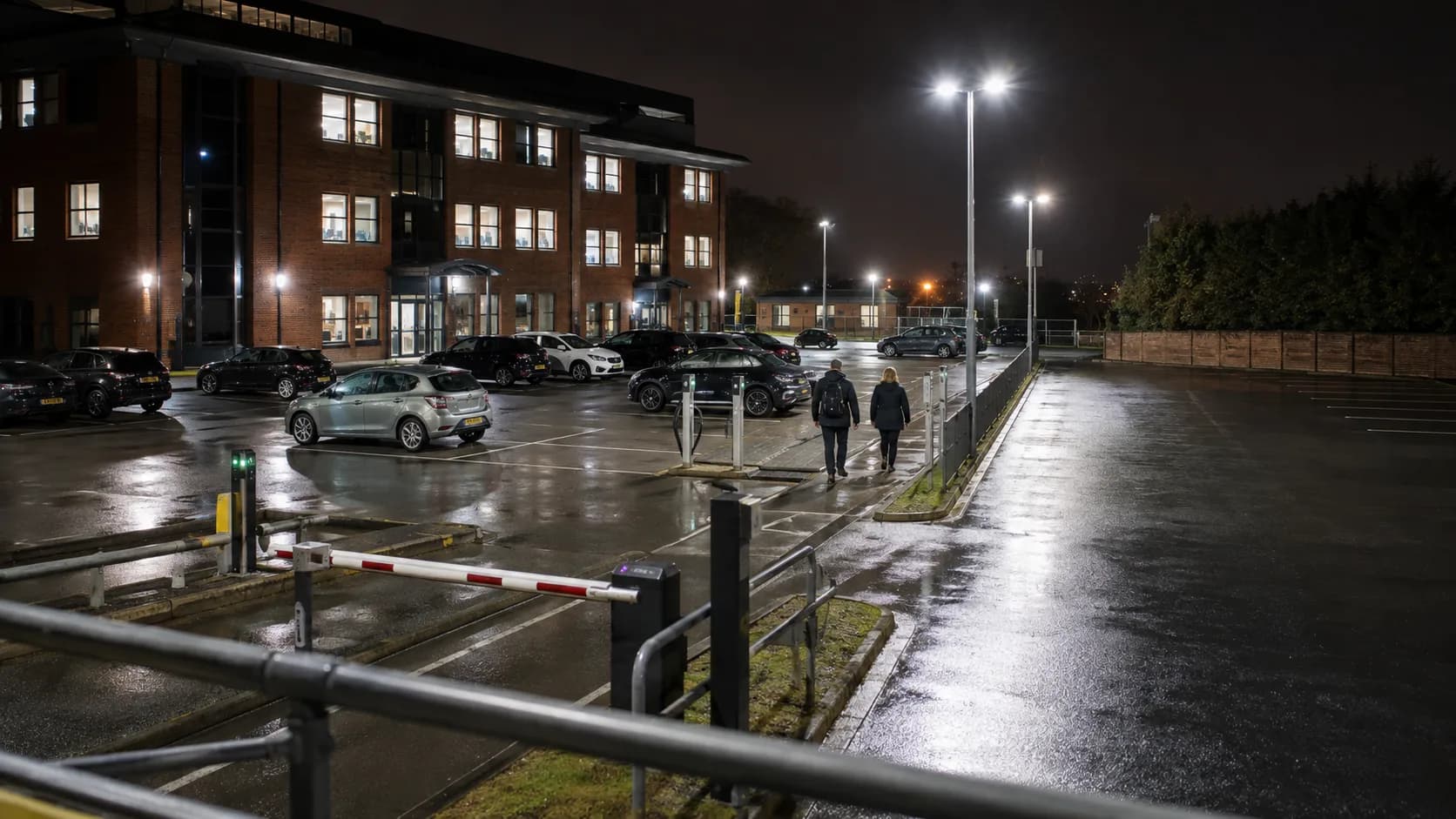
Parking Space Booking Software for the UK.
Every bay, who has it and until when, so the space you let at nine is not still holding a car at five.
 Start with Google
- Live parking bay availability
- Regular permit holder bookings repeat
- Vehicle arrival stays protected
- Full card checkout on Pro
- Access closure stays visible
Online booking
Sell real parking bay availability
List each bay that is genuinely free for a staff, visitor or contractor day. The chosen parking space leaves the pool as reserved.
Learn moreOne live timetable
Keep every vehicle arrival clear
Put vehicle arrivals, visitor bays and access closures on one car park calendar, with the actual bay attached to every reservation.
Learn moreThe booking ends. The car does not leave.
A room empties itself when the people walk out. A bay empties when its driver comes back for the car, which is a different event and often a later one.
Overstay is the normal failure
The space sold from nine is still holding a car at five. You need to know whose it is before the next driver is at the barrier, not after.
Bay 14, not "your space"
Every bay is its own bookable thing with its own name on the booking, so nobody is arguing at the entrance about which one was paid for.
One bay, one booking
A reserved bay leaves the page the moment it is taken, so the same space cannot be promised to a staff day and a visitor on one morning.
One clear day across every parking bay.
See staff parking days, contractor parking and access closure together, with the actual resource attached to every entry.
Booked in under a minute.
A driver picks a date and a bay, pays, and gets the barrier instructions. Nobody rings the office to ask whether there is room.
Built for your car park
Built for every kind of parking booking
Staff parking days
Offer the parking bay time actually left; once taken, that parking bay block disappears before reception can promise it again.
Visitor bays
Run a weekly or monthly parking bay let on Free and give the recurring run a sensible final date.
Contractor parking
Protect the complete let on that bay while the hours either side of it stay available to somebody else.
Tenant bay lets
Attach the hirer and barrier details, leaving rather less to reconstruct when the door opens.
EV charging bays
Keep the organiser and event parking requirements in one record instead of the customary second email thread.
Event parking blocks
Price an event’s worth of bays and the access arrangements as one itemised quote before anything is held.
Changed office days
Move a driver to a different bay without losing the money already taken or what was agreed with them.
Barrier access windows
Take the resource offline for access closure while everything unaffected carries on booking normally.
The parking fee beside the booking.
Keep payment status with the parking day, including offline money recorded on Free and complete online card checkout on Pro.
Full card payment online
Pro takes the complete parking fee when the parking day is booked online. Enter cash or bank transfer on Free.
Offline money stays recorded
Record cash or bank transfer manually on Free, keeping the parking fee visible beside the parking day.
Longer work starts with a quote
Send an itemised quote for the event parking and agreed extras, then keep later payments with the accepted details.
- Gemma WhitfieldP-1011 · 25 Jun · Bank transfer£380
- Danny OkoroP-1012 · 25 Jun · Cash£240
- Aisha PatelP-1013 · 28 Jun · Card£380
- Liam DochertyP-1001 · 27 Jun · Card£190
One app for every booking
Everything you need to run your parking business.
One bay, one booking
Retain every bay separate. A driver taking the EV space never makes an ordinary parking bay or visitor stall look occupied.
Email reminders
Email the driver their bay, arrival window and barrier instructions ahead of their vehicle reaches the car park entrance.
Starts free. Grows
only when you do.
Add your whole team and get booking for nothing.
As you grow with us you can go Pro.
Common questions.
Yes. Your public page shows genuinely open parking bay time and removes the selected parking bay when the booking is completed.
Yes. Repeat the same parking bay weekly or monthly on Free, ending on a chosen date or after the final planned booking.
Yes. Pro takes the complete parking fee when the parking day is booked online. Enter cash or bank transfer on Free.
Yes. Close the exact window needed for vehicle arrival or access closure while every unaffected resource remains available.
Yes. Set every parking bay up as a separate resource so a confirmed booking removes only that resource and time.
Yes. Itemise the longer event parking and agreed extras, send the quote and keep the accepted version with the booking.





Parking Space guides
All articlesFully booked? How to keep the lead without promising the impossible
Handle enquiries when your diary is full with clear requests, alternative times and a practical manual waiting list that avoids double bookings.
ReadHow much booking notice should you require?
Choose a booking lead time that allows for preparation, staff and travel, with practical examples for mobile services, venues and classes.
Read