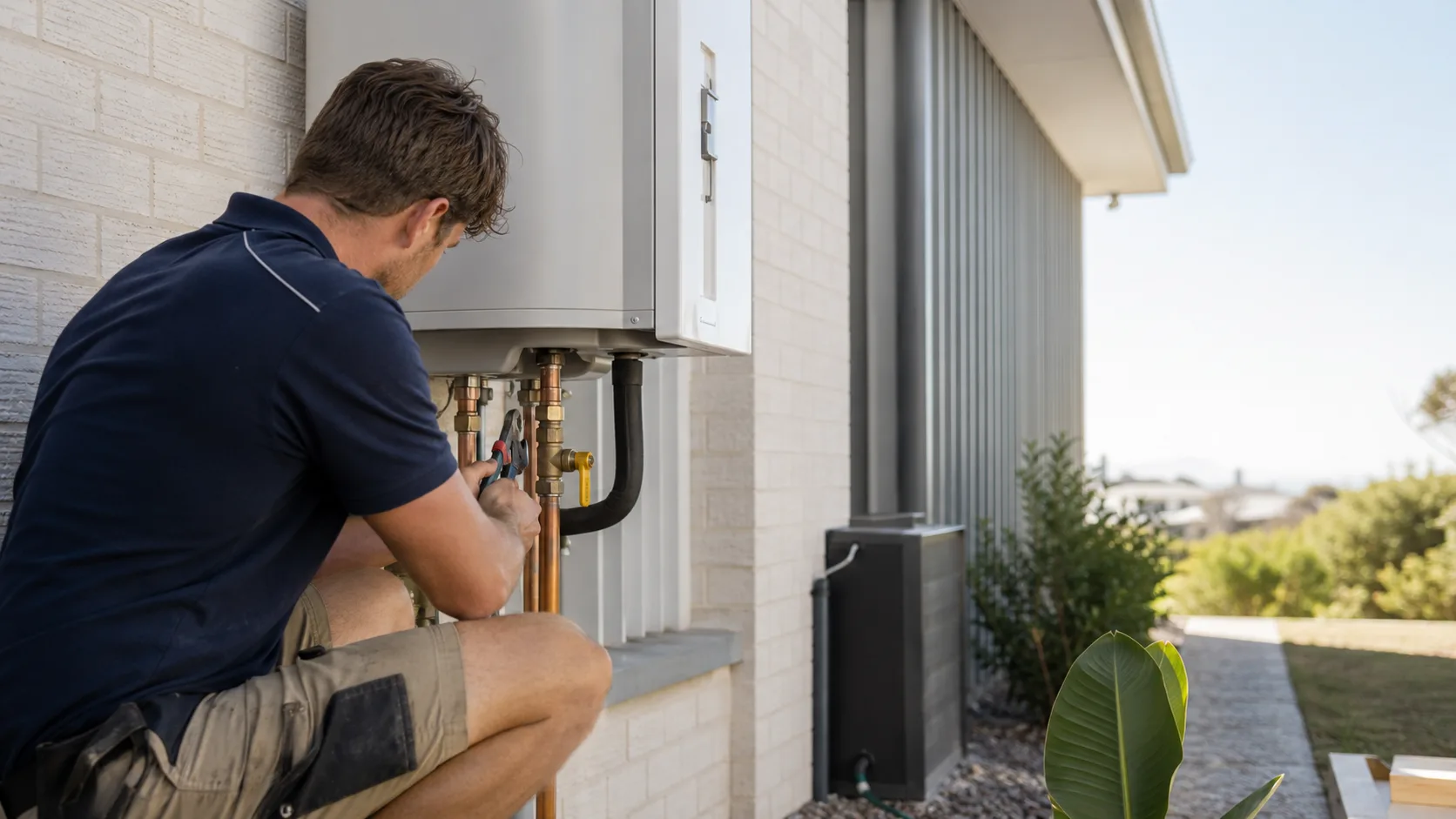
Booking software for Australian plumbers.
Customers book call-outs at a price you set, and the hot water jobs get quoted online.
 Start with Google
- Call-outs book themselves
- A real price up front
- A full day keeps the lead
- Quotes signed online
Online booking
The burst pipe books itself, at your price
Share your link and the customer picks the work and a slot, with the address and their notes attached before you crawl out from under the sink.
Learn moreSmart scheduling
Your day, planned around the driving
Every job lands on one timeline with the drive between stops accounted for, so the emergency fits next to work you are already near.
Learn moreBuilt for your trade
Built for every kind of plumbing business
Burst pipes and emergency call-outs
A burst pipe books your next real gap at your call-out price, with the address and their notes attached before you crawl out from under the sink.
Hot water changeovers
Itemise the unit, the removal and the labour, then put electric, gas and heat pump side by side on the one quote and let them pick.
Blocked drains
A drain clear carries a set price rather than a quote, so the call books itself while your hands are still full.
Tap and toilet repairs
The bread-and-butter jobs priced up front, so a leaking tap takes a slot instead of turning into a phone call you return after dinner.
Backflow prevention testing
The annual test booked as its own service against the property, so the one you did last year tells you when the next is due.
Tempering and mixing valves
TMV servicing on a twelve-month cycle, kept on the site record with everything else you have done there.
Gas fitting and appliance connections
Cooktops, heaters and hot water booked as their own service, so a gas job only lands on someone licensed for it.
Bathroom and kitchen renovations
The big ones nobody prices sight unseen: a quote visit, then options the customer signs online before you order a thing.
Leak detection
A diagnostic visit at its own price and duration, with what you found kept on the address for whoever goes back.
Re-pipes and rough-ins
Staged work quoted with options and split into a deposit now and a balance on completion, signed before the first wall opens.
Real estate and strata work
An agent with a book of properties sits on one customer record, every address and its history kept separate from the others.
The call that comes while your hands are full.
A burst pipe rings mid hot water swap. Your booking page takes it, prices it and puts it in the diary without you crawling out from under the sink.
A real price, before they confirm
Set your call-out fee and a price for the work you do every week, and the customer sees the total instead of a "from".
The price can change when the job does
Work you never priced arrives as a request or a quote. And when a tap repair turns out to be a burst main, you change the lines on the job before you take a cent.
One link, your services, your prices
Share it once and customers pick a slot you are genuinely free for, which lands straight in your diary.
Booked out? You still get the job.
When your page has no times left, the customer asks for one instead of ringing the next plumber.
It arrives as a request, not a lost call
The job and the times that suit them land in your inbox, in the same thread as everything else that customer has said to you.
Accept turns it into a booking
One tap puts it on the day and emails them a confirmation. Decline is one tap too, and they are told without you writing the message.
Or squeeze it in yourself
Nothing stops you dropping it into a gap you know you have. The request is a way in, not a rule about your day.
Hot water unit has gone. Any chance you can get to us tomorrow?
Or the day rebuilds itself around it.
On Pro, every open slot is scored on the driving it adds, so the call that comes in at four lands next to work you are already near.
The slot that adds the least driving
Live drive times rank your open times, so the job goes in beside the run you are already doing instead of three suburbs away.
The right patch, the right hand
The address is matched to the suburb it falls in and to the plumbers set up for that kind of work.
Automatic routing is Pro
On Free you get exactly the same real availability and place the work into the day yourself.
- AWAnna WhitfieldToday · 15:45Best+8 min
- DPDanny PrasadToday · 14:30+22 min
- JYJack YoungTomorrow · 09:15+35 min
Four ways to look at the week
Your week, however you need to see it.
The same jobs, four views. Drag one to a better time in any of them and it moves in all of them, on any plan.
- 1Tap & toilet repairBondi08:00~9 min
- 2Blocked drain clearNewtown10:00~6 min
- 3Dishwasher installSurry Hills12:30
One day, hour by hour
Every job on a vertical timeline at the time it actually runs, so the gap the next call-out could take is obvious.
Drop the burst pipe into today.
Grab the job and drop it where it fits. Nothing commits until you let go, on any plan.
On the way, on site, done.
Mark each job as you work it, so the office can see where the run is up to without ringing you.
- Surry Hills8 suburbs · 2 crew
- Paddington7 suburbs · 2 crew
- Sydney North7 suburbs · 2 crew
Only the suburbs you can get to.
Draw the areas you cover on a map and work you cannot reach never lands on your day.
- 12 AugHot water changeoverBooked · $1,890
- 2 AugPayment received$220
- 28 JulRe-pipes and rough-in quoteAccepted · $4,150
- 14 JunBlocked drainCompleted · $260
One agent, a dozen addresses.
A property manager is one customer holding many properties, each with its own job history.
Fix it, replace it, or upgrade it.
Itemise the unit, the removal and the labour, then put electric, gas and heat pump side by side on the one quote.
Signed online, not on a clipboard
The customer picks an option and signs it on their phone while the enquiry is still warm.
Accepting books the install
The signed quote becomes a job in the diary against that property, without you re-typing a thing.
It expires when you say
Put a use-by date on the price so a quote written today cannot be accepted at that number months from now.
- Hot water unit · 250LSupply$1,290
- Remove & dispose old unitLabour$180
- Install & commission3 hrs$420
Paid before you pack the van.
Mark it off when the cash lands or the transfer clears, or take the card on site and let the receipt send itself.
Cash and bank transfer, free
Record what you were paid and when, against the job, on the Free plan. Most sparkies get paid by transfer and that has never needed a card reader.
Cards come with Pro
Charge the job in full as they book, tap the card on site, or split the hot water system into a deposit now and the balance when it is live.
The receipt sends itself
When the payment goes through the customer is emailed a receipt, so the agent has their paperwork without you chasing it.
Into your own account
The money is paid out to your own Stripe account, not held somewhere in Bookables.
Paid into your account by Stripe.
One app for the whole job
Everything you need to run your plumbing business.
Starts free. Grows
only when you do.
Add your whole team and get booking for nothing.
As you grow with us you can go Pro.
Common questions.
From your own booking page. They pick the work, see the price you set for it, and take a slot you are genuinely free for. The address and their notes land on the job before you drive out.
Yes. Itemise the unit, the removal and the labour, then put electric, gas and heat pump side by side on the one quote with your pick marked. They sign it on their phone and it becomes a booking.
Yes. Book the annual test at its own price and duration, and the visit stays against the property, so the one you did last year tells you when the next is due.
Yes. Every job stays on the property rather than on the customer, so what you fitted, what you tested and what you flagged are all on the address when you go back.
Record cash or a bank transfer against the job on the Free plan, which is how a lot of this work still gets paid. Card payments come with Pro, and the money is paid out to your own Stripe account.
Yes. The Free plan covers a busy one-van week with no card to sign up, and it includes your booking page, quotes, the diary and your customer records. Pro adds card payments and automatic scheduling.



Plumbing guides
All articlesOnline booking vs phone booking: which one actually gets the job booked?
Compare online and phone bookings for service businesses, with a practical way to handle standard jobs, tricky enquiries and customers who prefer a call.
ReadFully booked? How to keep the lead without promising the impossible
Handle enquiries when your diary is full with clear requests, alternative times and a practical manual waiting list that avoids double bookings.
ReadBooking deposits: enough to make it real, not a hostage negotiation
Choose booking deposits that fit your work, explain the balance and cancellation terms, and understand how deposits differ from refundable security bonds.
Read